


41+ Built-in SEO Tools
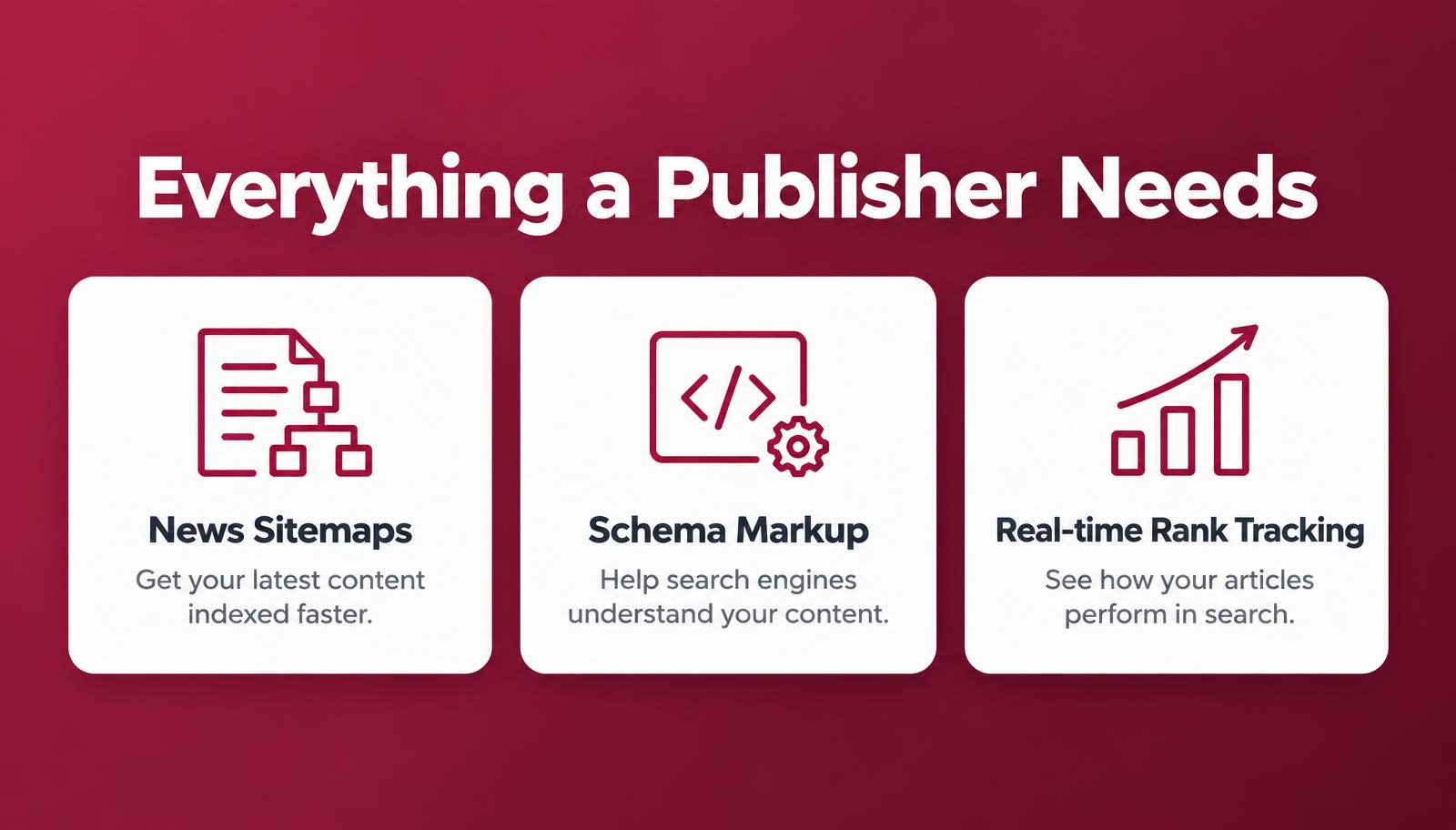
News Sitemap & Article SEO
Structured Data & Schema
Discover Best Practices
Lightweight & Fast
Seamless WordPress Integration
Official WordPress.org release
PublishRank is now listed in the WordPress.org plugin directory
Review the official plugin listing, explore publisher-focused SEO and editorial tools, or install PublishRank directly from your WordPress dashboard.
- WordPress.org plugin
- WordPress SEO
- Publisher SEO
- News SEO
- Open-source WordPress plugin
- Editorial workflow
A practical workflow
From publication setup to a healthier archive
Put the essentials in a repeatable order: define your publication, review each story before it goes live, then maintain the technical paths readers and search engines rely on.
- 01
Set your publication foundation
Confirm the publication identity, author details, defaults and sitemap coverage before assigning SEO output to one plugin.
Read the setup handbook - 02
Review stories with context
Check the headline, summary, byline, dates, images, internal links and article schema against the story readers will see.
Explore publishing features - 03
Maintain discovery over time
Review redirects, crawl controls, sitemap health and older content after editorial or technical changes.
Open troubleshooting guides
A publishing system that grows with you
Structure the work before you scale the archive.
SEO becomes easier to maintain when every stage has an owner, an evidence check and a useful next action. PublishRank connects those stages without asking every editor to become a technical specialist.
Read the enterprise operating model- 01
Foundation
Publication identity, canonical rules, defaults and sitemap ownership.
- 02
Story review
Headline, summary, byline, dates, image, links and article type.
- 03
Release proof
Rendered HTML, social output, structured data and representative URL checks.
- 04
Archive care
Corrections, redirects, stale facts, internal links and recurring health reviews.
Why Choose PublishRank?
Unlike generic SEO plugins, PublishRank focuses on the unique needs of publishers. Get advanced SEO tools, editorial workflows and technical features in one lightweight plugin — without the bloat.
Learn More- Publisher-Focused SEO
- News & Article Optimization
- XML & News Sitemaps
- AI-Crawler Discovery (llms.txt)
- Newsroom Roles & Schema Aggregator
- Built-in WP Hide Login
PublishRank highlights
Rank Every Story Higher
Enterprise-grade SEO for publishers, in one lightweight WordPress plugin.





Perfect for Every Publisher


Developers & Technical Users
Take control with advanced tools, clean code and flexibility.
Explore for DevelopersInside PublishRank
See PublishRank Inside WordPress
Unedited screens from the plugin dashboard, captured on a local WordPress test site with demo content. Select a card to view the full screen.
Dashboard
Actual Dashboard screen from the PublishRank WordPress admin.
Titles and meta settings
Actual Titles and meta settings screen from the PublishRank WordPress admin.
IndexNow
Actual IndexNow screen from the PublishRank WordPress admin.
Publisher toolkit
Actual Publisher toolkit screen from the PublishRank WordPress admin.
Traffic Guard
Actual Traffic Guard screen from the PublishRank WordPress admin.
Publishing showcase
Made for the Way Newsrooms Work
From the first draft to the long-term health of the archive.




Photography from Unsplash, used under the Unsplash License.
Made for the Publishing Community
100%Open Source
Blazing FastPerformance
Built with Carefor the Publishing Community
WordPressCompatible with
Loved by Publishers
40,000+ reader reviews rated four to five stars
“The news sitemap and article checks replaced three separate tools for our desk. Editors finally see what is missing before they hit publish.”
“Schema Aggregator made it easy to audit what our templates actually output. We caught a duplicate Organization block in minutes.”
“Setup took an afternoon. The wizard asked for our publication identity once and it carried through titles, social cards and schema.”
“Newsroom roles and the planning board keep reporters and editors on the same page without leaving WordPress.”
“Built-in WP Hide Login cut the junk sign-in attempts we used to see every day. One less plugin to maintain.”
“Crawl Optimization gave us clear, reversible switches instead of a pile of code snippets. Everything is off until you choose it.”
“Google Preferred Sources was a two-minute job: pick the button, choose placements, save. It just worked on our theme.”
“Free, open source and clearly documented. We tested on staging first, exactly as the handbook suggests, and went live a week later.”
Frequently asked questions
Frequently Asked Questions
Still need help? Contact us