Loading PublishRank…
Skip to main content
Laptop and desktop development workspace

The PublishRank toolkit

SEO built for publishers.

From the first headline to the long-term health of your archive, keep editorial and technical SEO in one WordPress workflow — with a dedicated newsroom, a Schema Aggregator endpoint and built-in login protection.

Best for

Newsrooms, publishers and WordPress site owners

Suggested path

Start with article review, then connect schema, sitemaps and archive maintenance.

You will leave with

A clearer view of the tools available across the publishing lifecycle.

Write, review and publish

Article SEO Intelligence reviews headlines, descriptions, headings, readability, featured images, bylines, dates and links. Use the results as a practical editorial checklist, not a prediction of where an article will rank.

Live previews let writers inspect desktop and mobile search snippets, social cards, canonical settings and JSON-LD while reviewing a draft. Search engines and social networks still decide how a page is displayed.

  • Story-level SEO checks
  • Search and social previews
  • Author expertise and editorial identity

Connect stories with structured data

The Schema Suite connects your publication, website, authors, articles, images and breadcrumbs in a JSON-LD graph. Match the type to the content: a news report and an opinion blog are not interchangeable.

Article, NewsArticle, ReportageNewsArticle, BlogPosting and LiveBlogPosting are among the supported types described in the supplied product documentation. Required fields and editorial accuracy matter; markup is not a guarantee of a rich result.

A dedicated newsroom with assigned roles

PublishRank ships with a dedicated newsroom module. Editors, reporters and contributors are assigned roles for the stories they own, so reviews, bylines and publication handoffs stay clear — the workflow newsrooms usually need a separate tool for lives inside WordPress.

Combined with story-level SEO checks, the newsroom keeps editorial accountability and technical optimization in the same place.

  • Assigned editorial roles for editors, reporters and contributors
  • Story ownership, review and publication handoff
  • Newsroom workflows built for news publishers

The Schema Aggregator endpoint

The Schema Aggregator endpoint collects the structured data PublishRank generates across templates into one machine-readable feed, making it easy to audit the graph your pages emit as themes, blocks and settings change.

Point validation tools at the endpoint to confirm your publication, author and article markup stays accurate over time.

Maintain news and XML sitemaps

Sitemap providers cover public content and editorial archives, with news, image and video output where configured. Sitemap Health helps review XML, duplicate URLs, child references and eligibility.

Set your publication identity, eligible content types and exclusions before submitting a sitemap. A sitemap helps discovery but cannot guarantee indexing or Google News inclusion.

Look after the archive

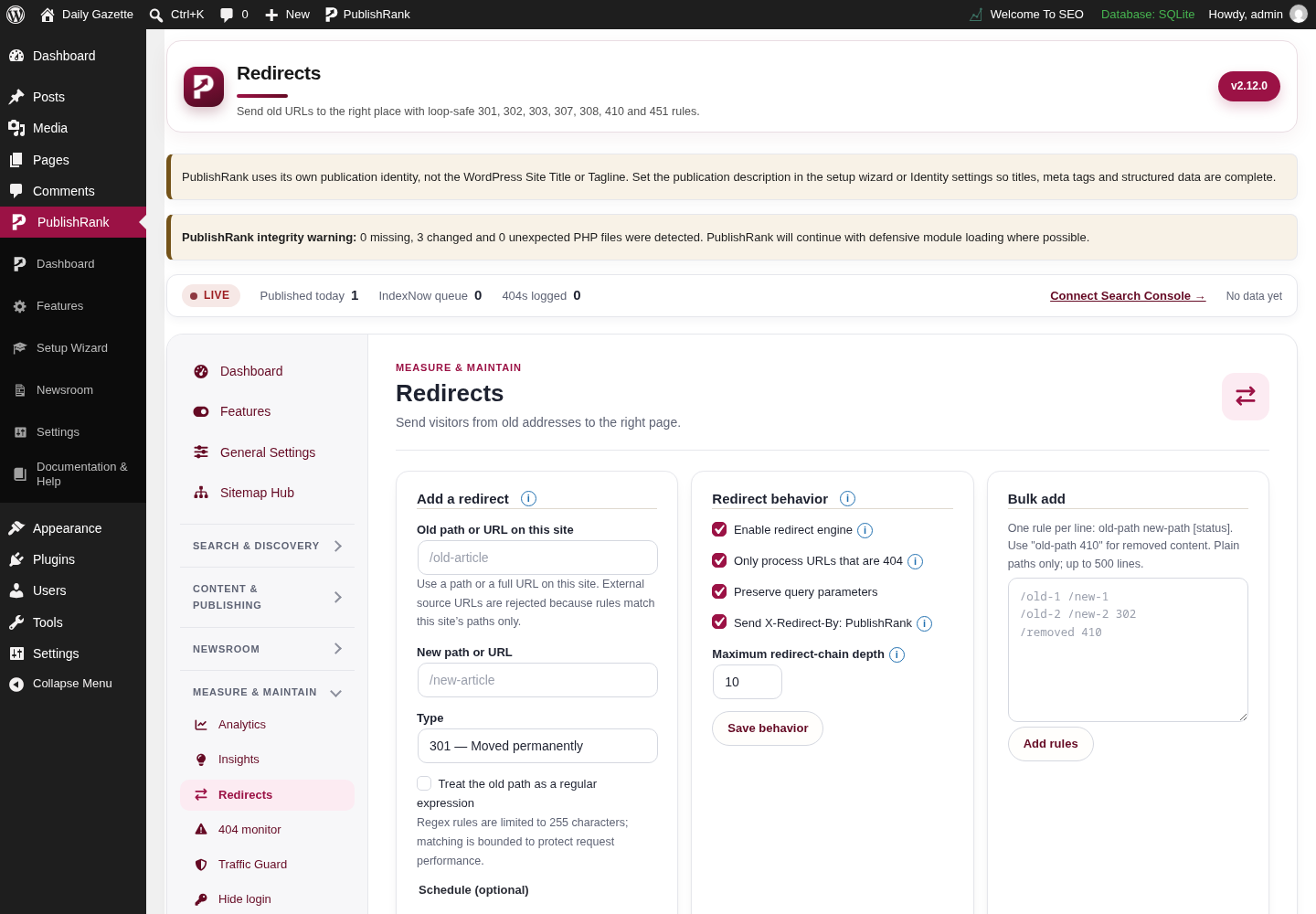
Redirects, an optional 404 Monitor, internal-link tools and bulk metadata editing support content maintenance after publication. Review missing destinations and preserve useful paths when a story moves.

Image optimization creates smaller attachment files while retaining originals. Optional social-image watermarking is a separate control and depends on image processing support on the WordPress host.

  • Redirect and missing-page review
  • Internal linking and bulk editorial maintenance
  • Image optimization and optional social watermarking

Technical controls, with clear limits

Robots.txt previews, URL testing, diagnostics and llms.txt controls help owners inspect their output. Robots.txt is guidance for crawlers, not protection for confidential content; llms.txt does not guarantee AI citations.

IndexNow and read-only search reports require configuration. Traffic Guard is optional request control, not a replacement for a firewall, strong account security or a managed DDoS service. Automatic migration from other SEO plugins is planned, not currently promised.

Security: WP Hide Login built in

PublishRank includes WP Hide Login built in, so site owners can move the WordPress login URL away from the default /wp-login.php path and cut the constant automated sign-in traffic most sites receive.

Login-URL protection is a hardening measure, not a replacement for strong passwords, two-factor authentication or a firewall.

  • Moveable WordPress login URL
  • Reduces automated sign-in attempts
  • Included in the core edition — no separate plugin

Everything the major plugins cover — and more

The toolkit covers the ground publishers expect from Yoast SEO and Rank Math: titles and meta, XML and News sitemaps, structured data, redirects, content analysis and search previews.

On top of that come the dedicated newsroom with assigned roles, the Schema Aggregator endpoint and built-in WP Hide Login — included in the free core edition.

PublishRank feature cards: News Sitemaps, Schema Markup and Real-time Rank Tracking

41 tools in one dashboard

Every tool lives in the PublishRank Tools Showcase, searchable by name or description. A few of the most used:

Search & discovery

Schema studio

Configure publisher, article and media structured data for your site.

Sitemap health

Check sitemap endpoints, article eligibility and generation status.

IndexNow

Configure supported search-engine notifications when content changes.

Google Preferred Sources

Generate your link and the code for Google’s “Add to preferred sources” button.

Crawl optimization

Manage optional discovery links, feed, search and URL cleanup controls.

AI & llms.txt

Review the optional llms.txt file and AI-crawler guidance for your site.

Schema Aggregator

Publish and verify a complete JSON-LD content feed for AI crawlers and llms.txt.

Content & publishing

SEO score

Review practical content and technical checks across the site.

Google Discover image

Inspect image dimensions and create a resized copy without replacing the original.

Newsroom

Planning board, calendar, activity history, notifications and roles in one editorial workspace.

Internal links & link intelligence

Find internal-link opportunities and strengthen related content paths.

Local SEO & author expertise

Configure local business identity and publication expertise information.

Screenshots · PublishRank 2.12.1 capture set

Explore the actual WordPress admin screens

Browse the unedited screens by tool area. Select a group to see its screenshots; select an image to open the full-size capture.

These captures were taken on a local WordPress test site using demo content. Some images visibly include test-only URLs, integrity notices, or version badges from that environment; they are examples, not live production or customer data.
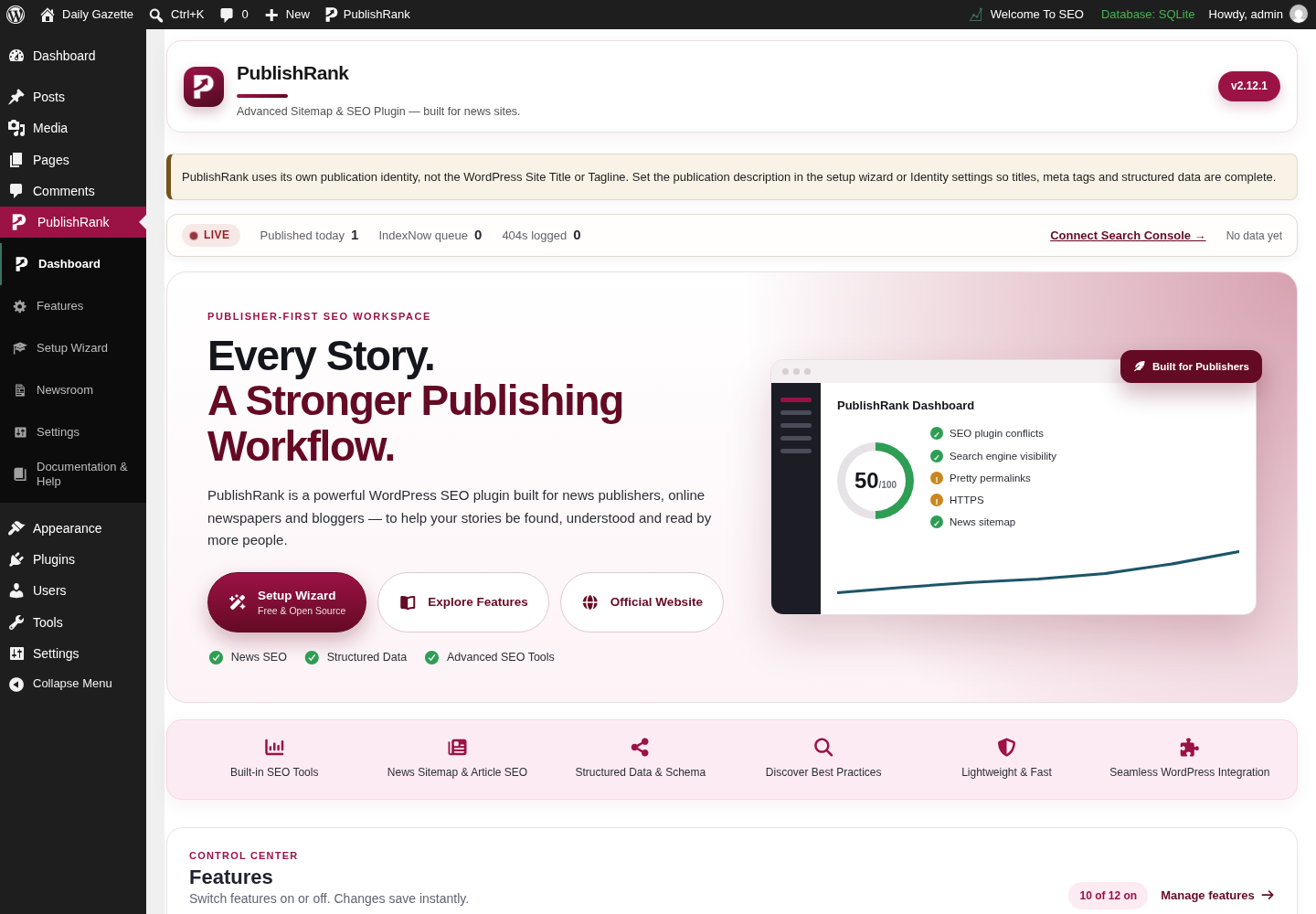
Dashboard & setup wizardThe dashboard, feature index, and first-run setup flow.11
PublishRank Dashboard screen in the WordPress admin, captured on a local test site with demo content.

Dashboard

Actual Dashboard screen from the PublishRank WordPress admin.
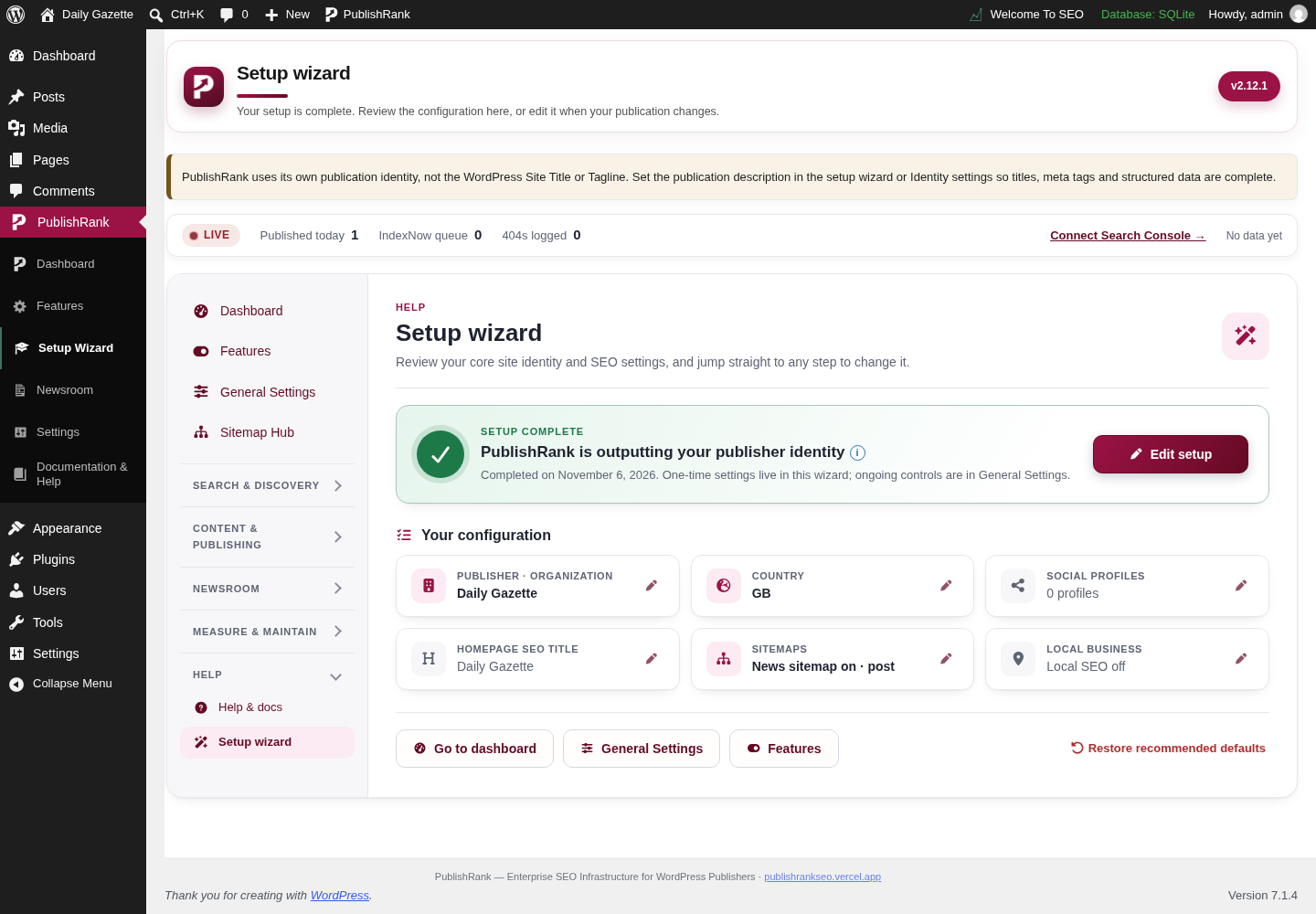
PublishRank Setup wizard summary screen in the WordPress admin, captured on a local test site with demo content.

Setup wizard summary

Actual Setup wizard summary screen from the PublishRank WordPress admin.
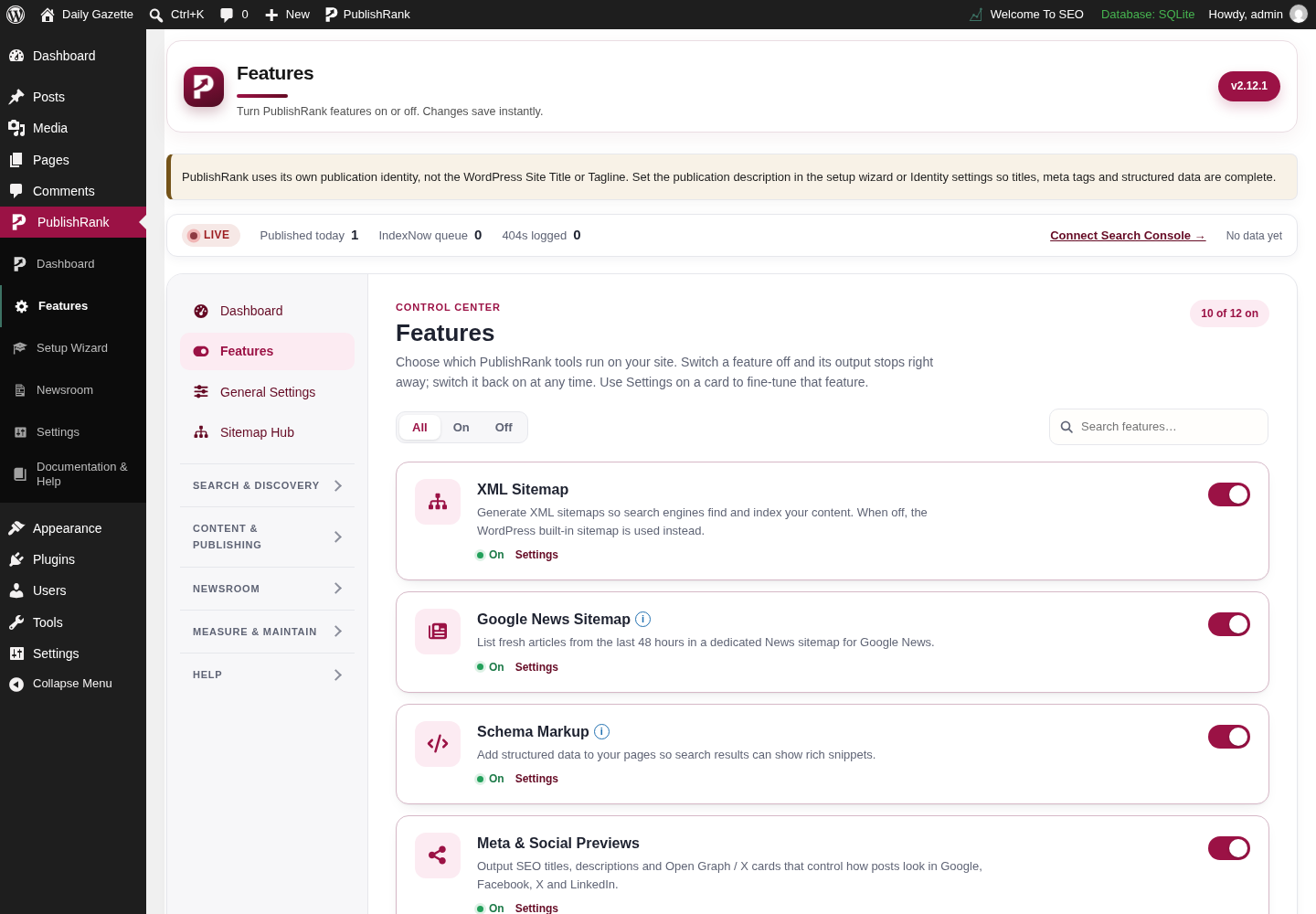
PublishRank Feature index screen in the WordPress admin, captured on a local test site with demo content.

Feature index

Actual Feature index screen from the PublishRank WordPress admin.
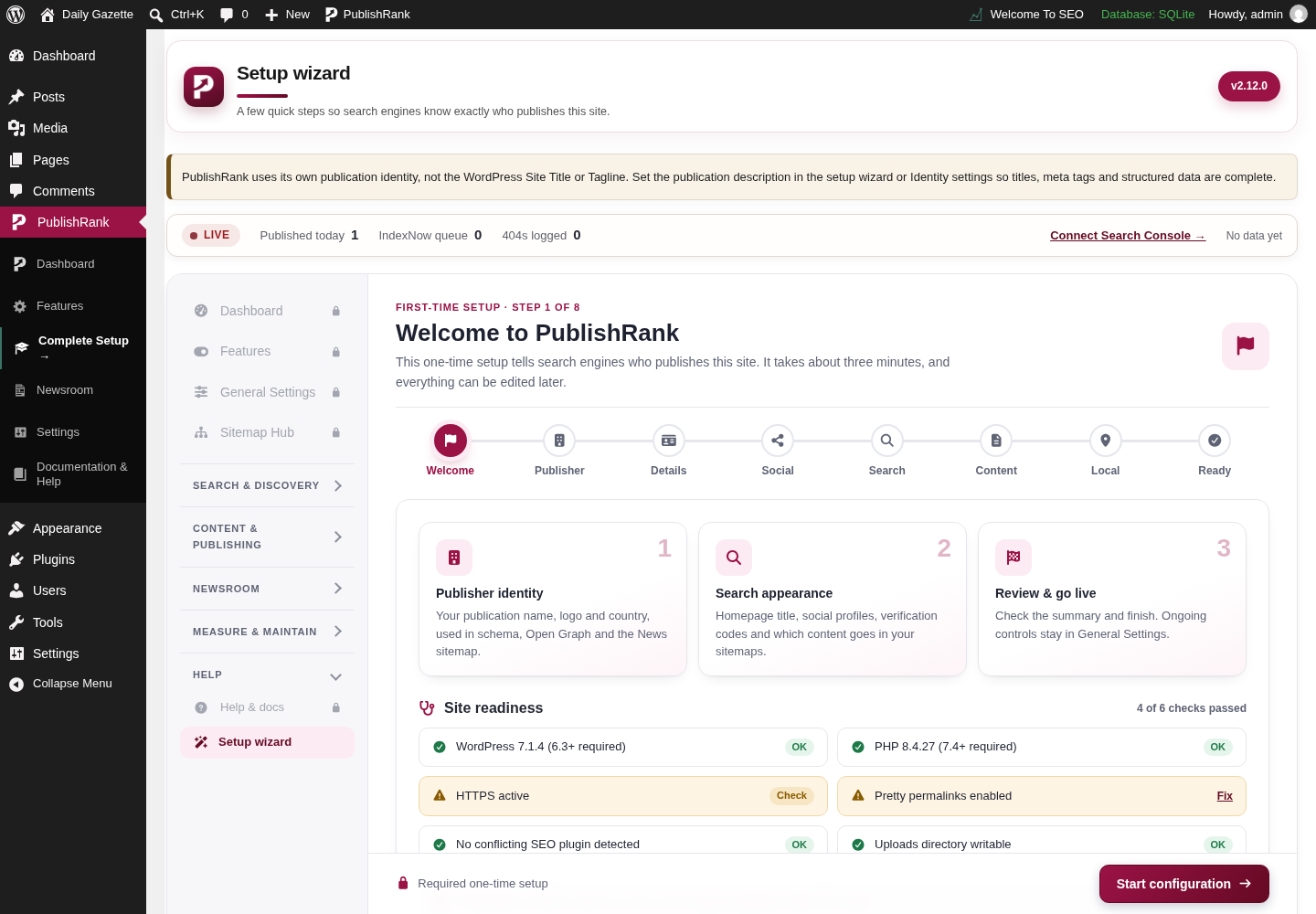
PublishRank Setup wizard: welcome screen in the WordPress admin, captured on a local test site with demo content.

Setup wizard: welcome

Actual Setup wizard: welcome screen from the PublishRank WordPress admin.
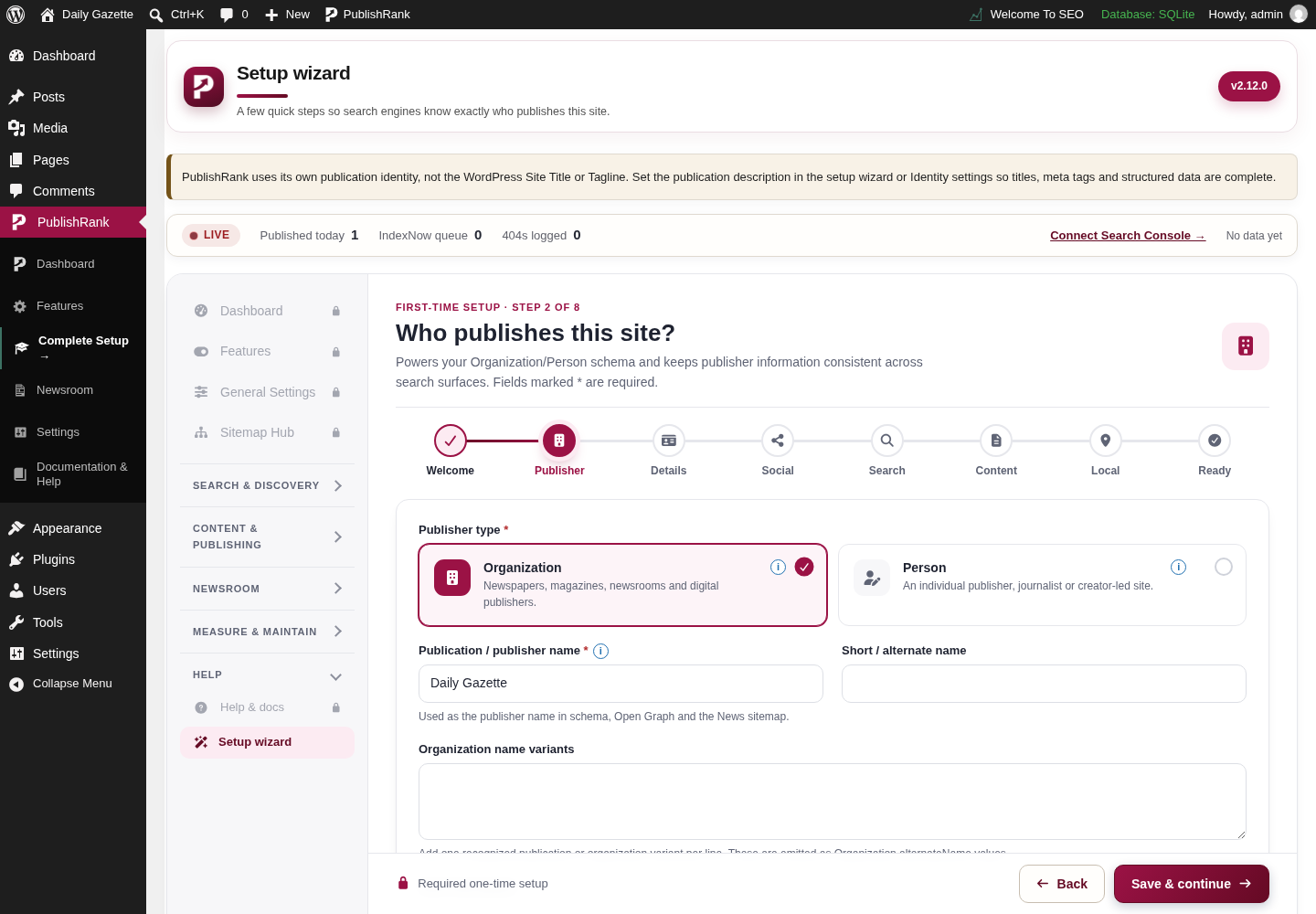
PublishRank Setup wizard: publisher identity screen in the WordPress admin, captured on a local test site with demo content.

Setup wizard: publisher identity

Actual Setup wizard: publisher identity screen from the PublishRank WordPress admin.
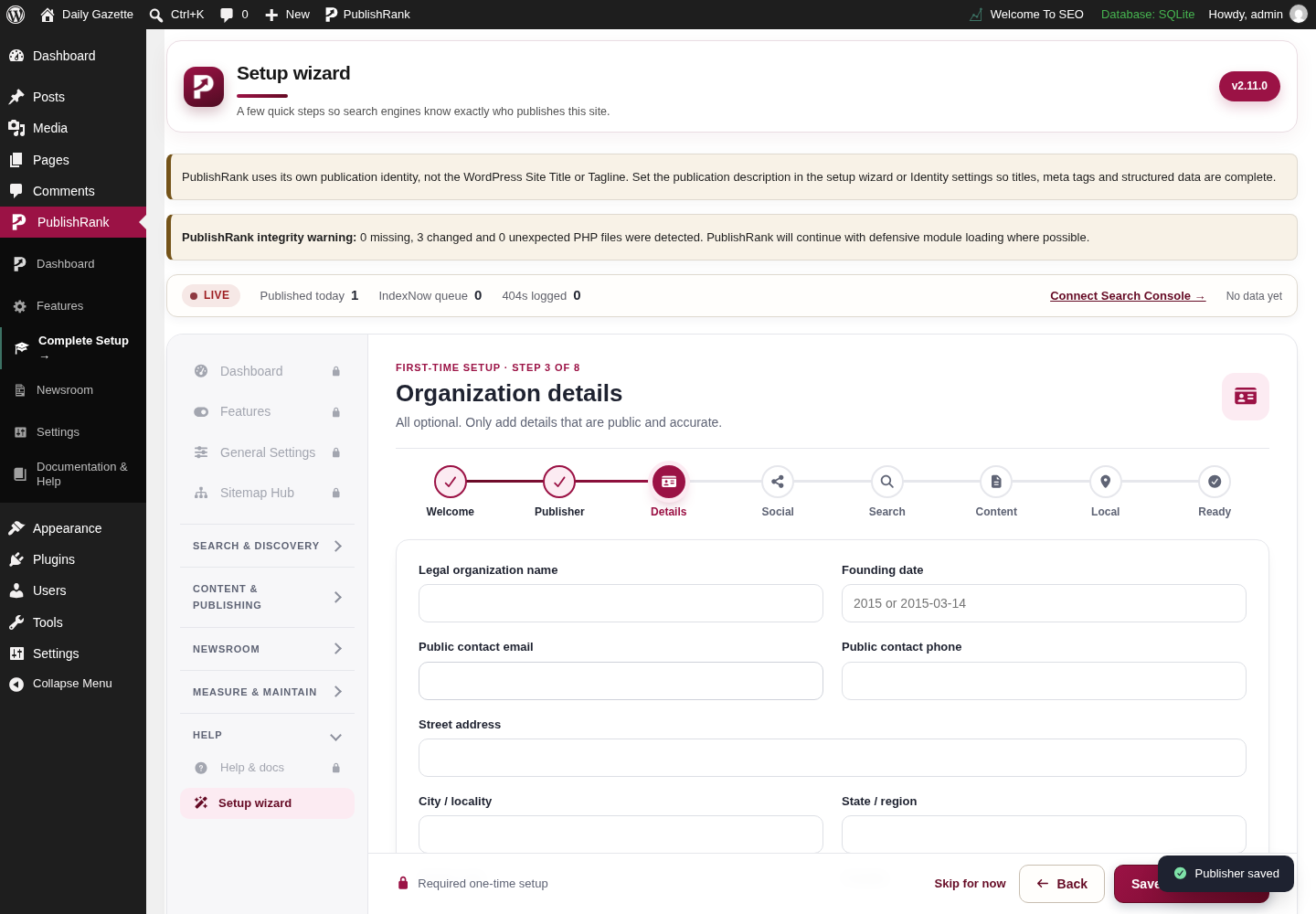
PublishRank Setup wizard: saved publisher details screen in the WordPress admin, captured on a local test site with demo content.

Setup wizard: saved publisher details

Actual Setup wizard: saved publisher details screen from the PublishRank WordPress admin.
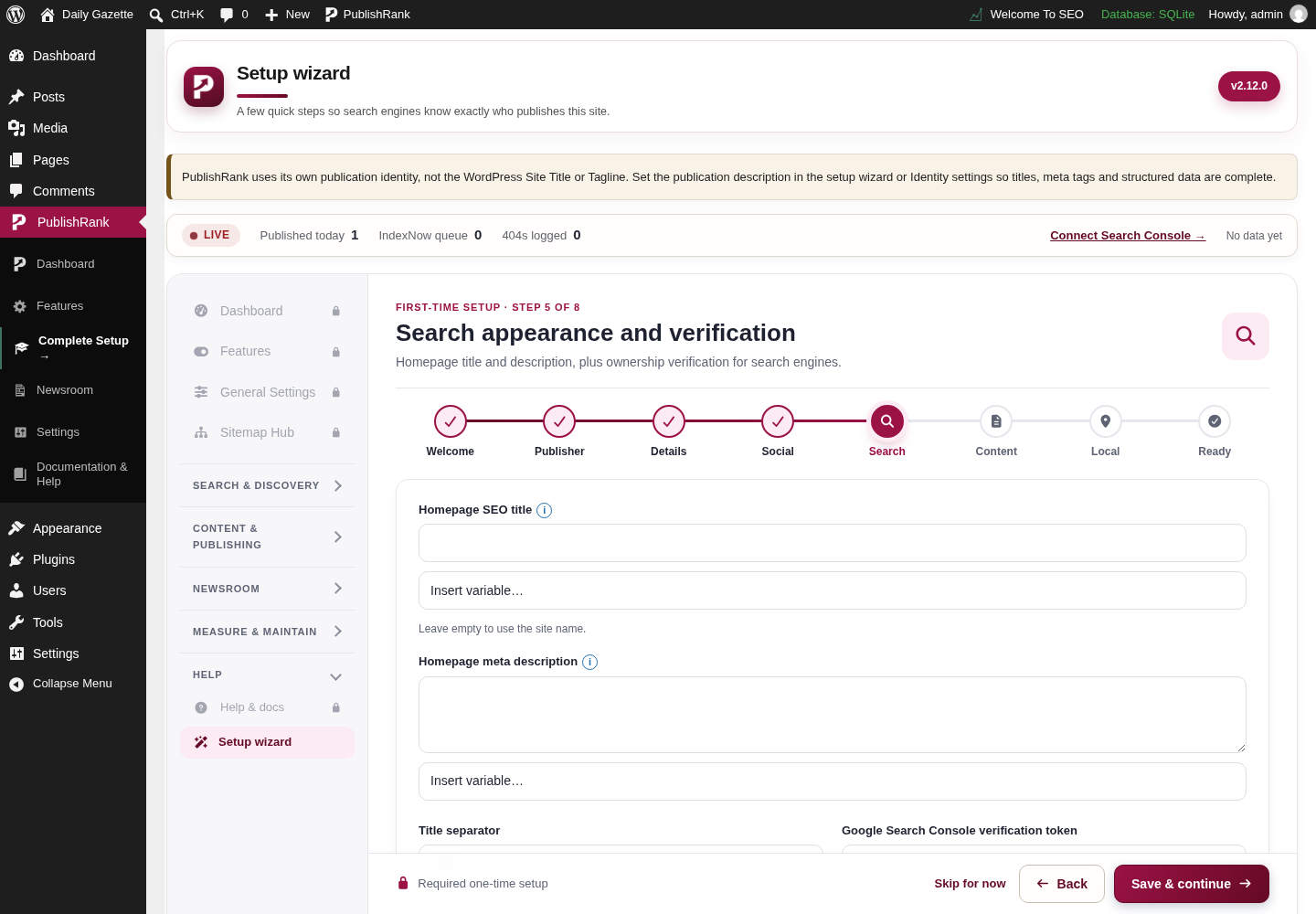
PublishRank Setup wizard: search appearance screen in the WordPress admin, captured on a local test site with demo content.

Setup wizard: search appearance

Actual Setup wizard: search appearance screen from the PublishRank WordPress admin.
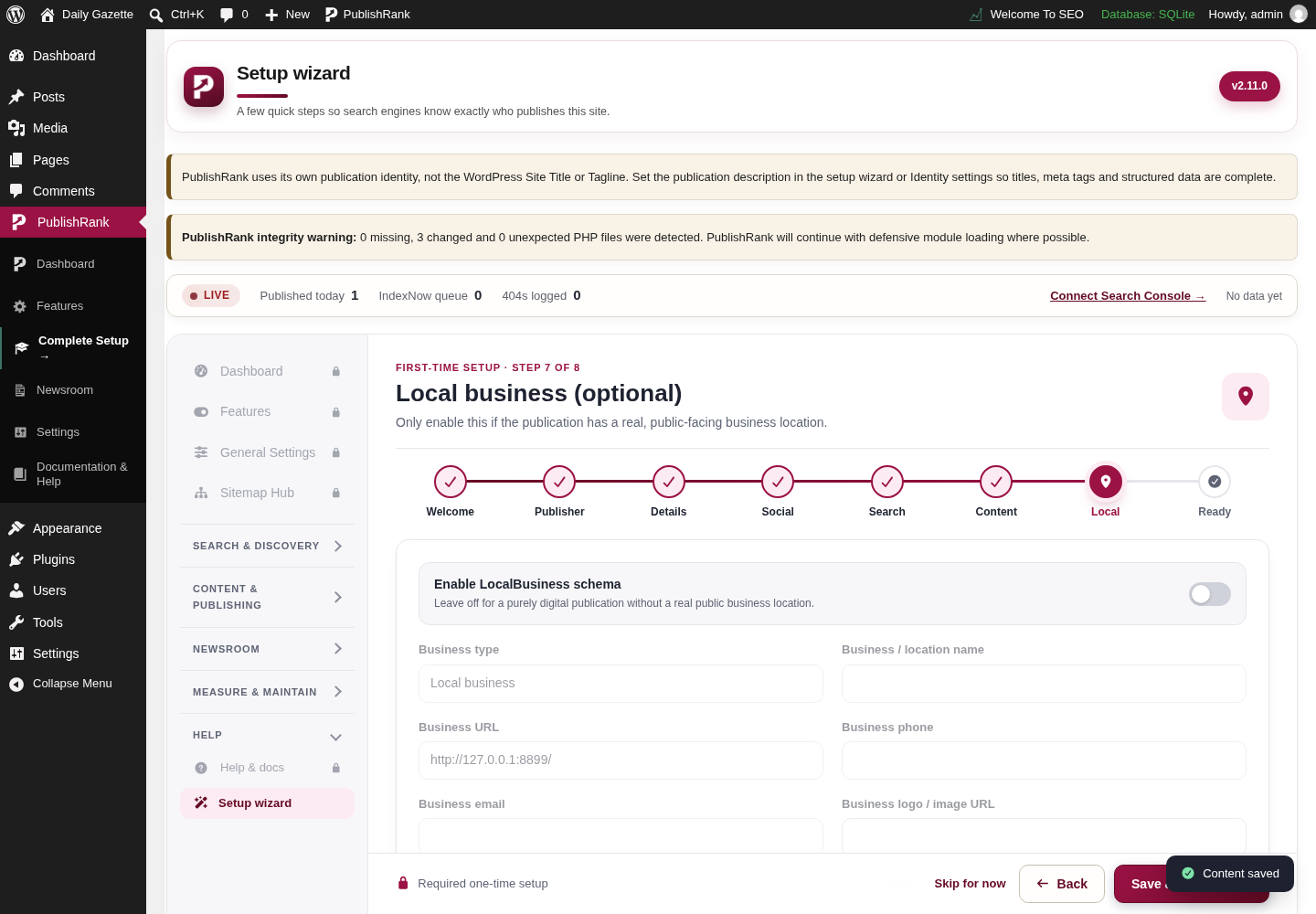
PublishRank Setup wizard: local SEO screen in the WordPress admin, captured on a local test site with demo content.

Setup wizard: local SEO

Actual Setup wizard: local SEO screen from the PublishRank WordPress admin.
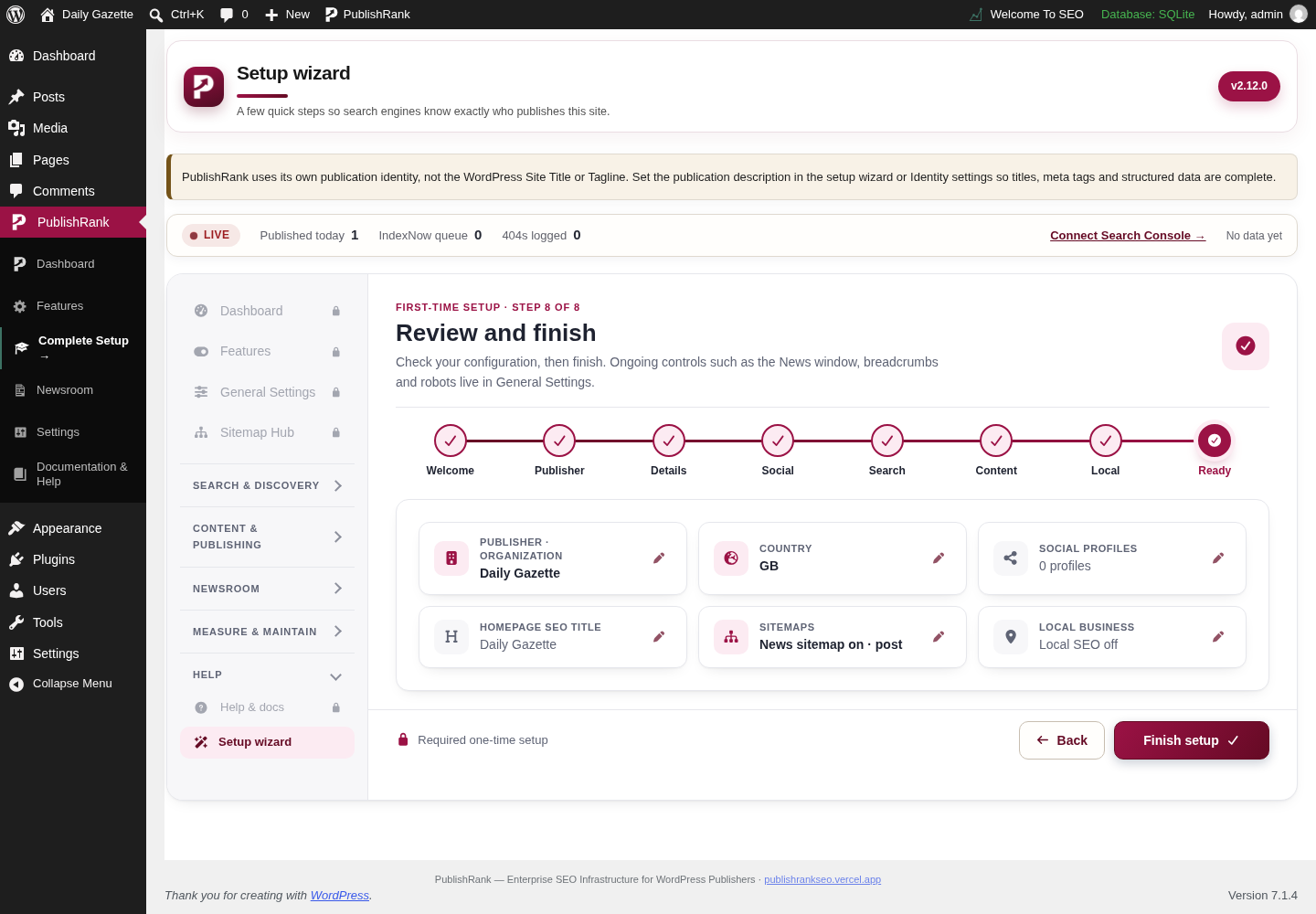
PublishRank Setup wizard: review screen in the WordPress admin, captured on a local test site with demo content.

Setup wizard: review

Actual Setup wizard: review screen from the PublishRank WordPress admin.
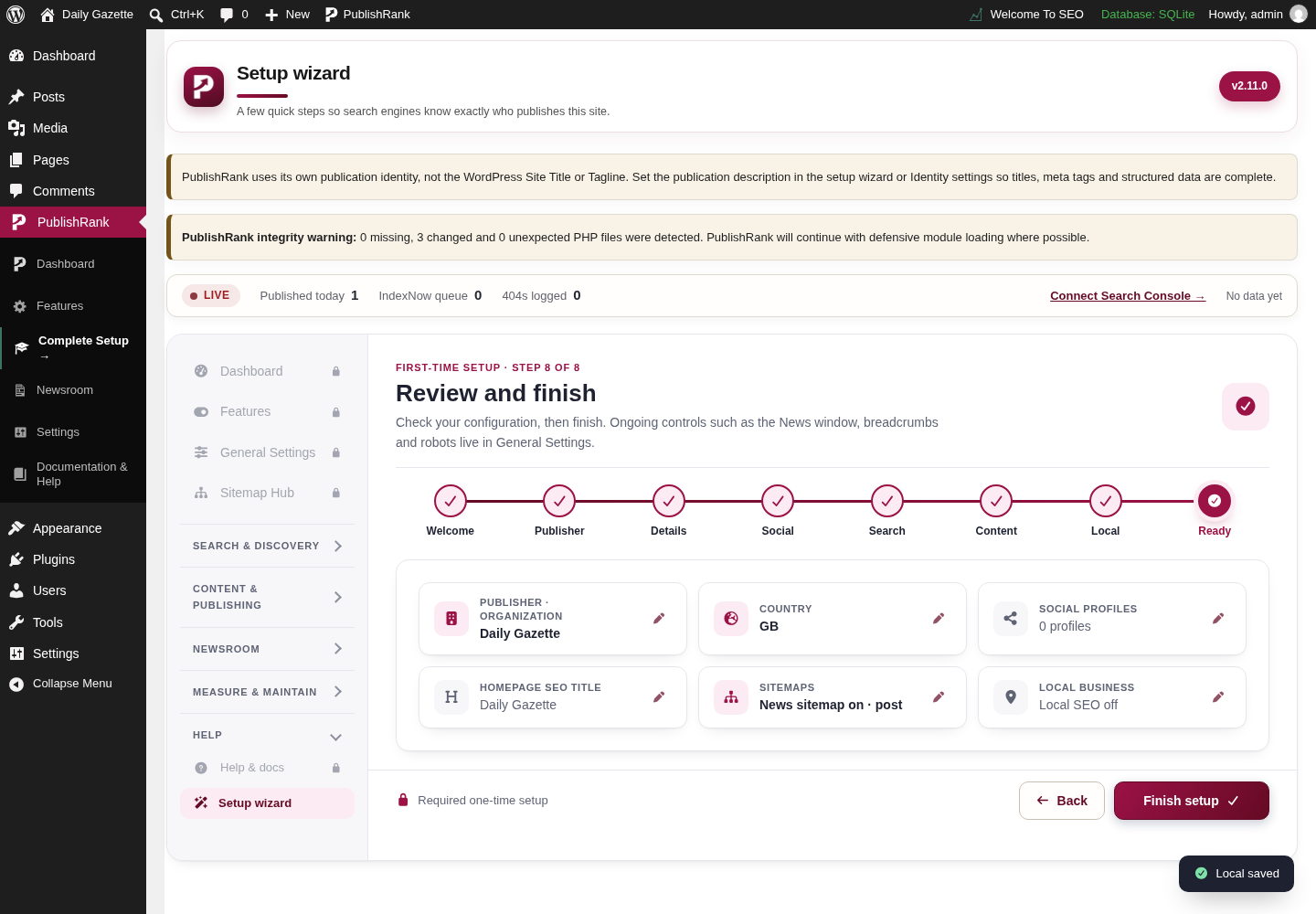
PublishRank Setup wizard: completed review screen in the WordPress admin, captured on a local test site with demo content.

Setup wizard: completed review

Actual Setup wizard: completed review screen from the PublishRank WordPress admin.
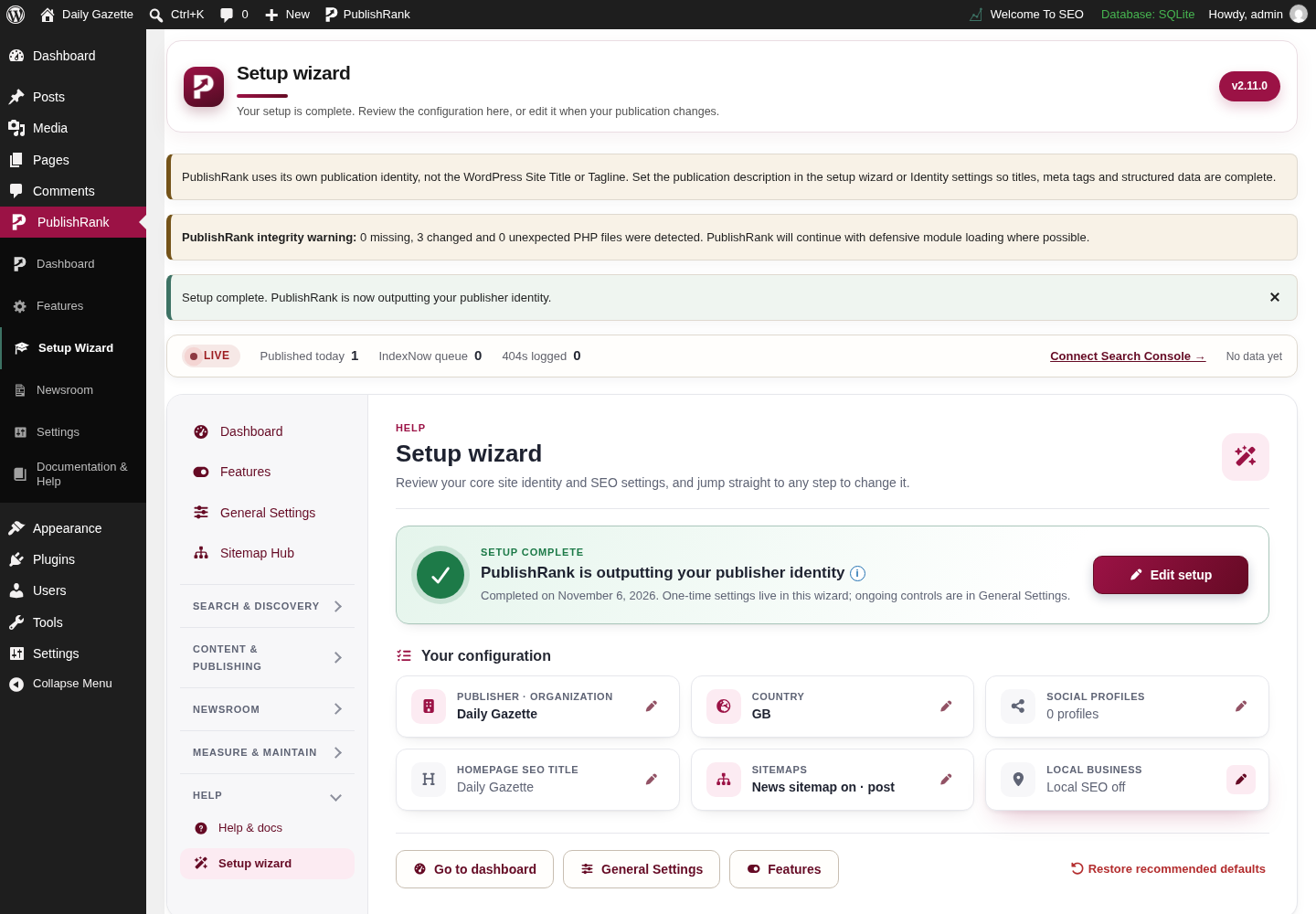
PublishRank Setup wizard: setup complete screen in the WordPress admin, captured on a local test site with demo content.

Setup wizard: setup complete

Actual Setup wizard: setup complete screen from the PublishRank WordPress admin.
General settings & metadataPublication-wide settings, title and meta templates, and configuration portability.4
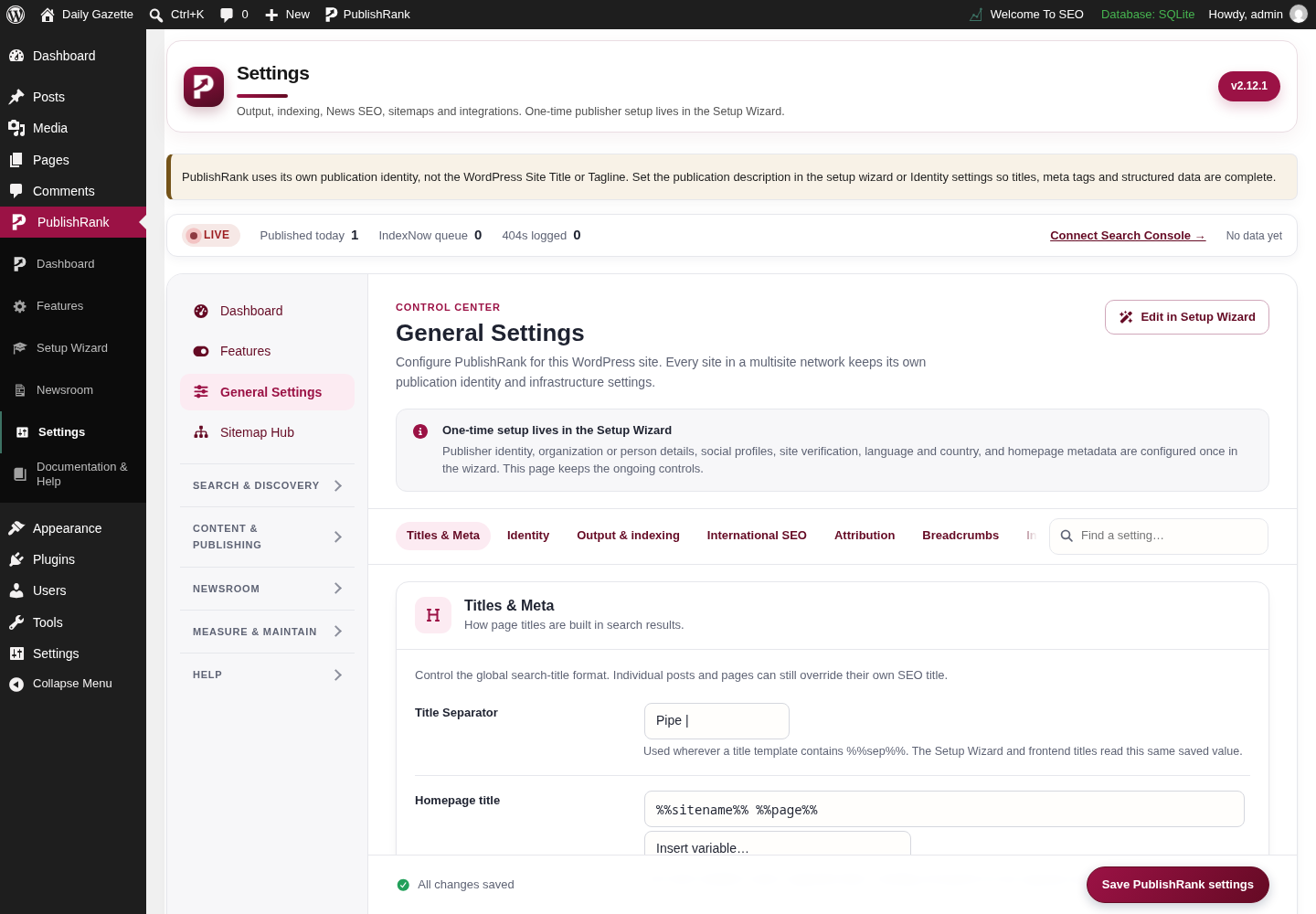
PublishRank General settings screen in the WordPress admin, captured on a local test site with demo content.

General settings

Actual General settings screen from the PublishRank WordPress admin.
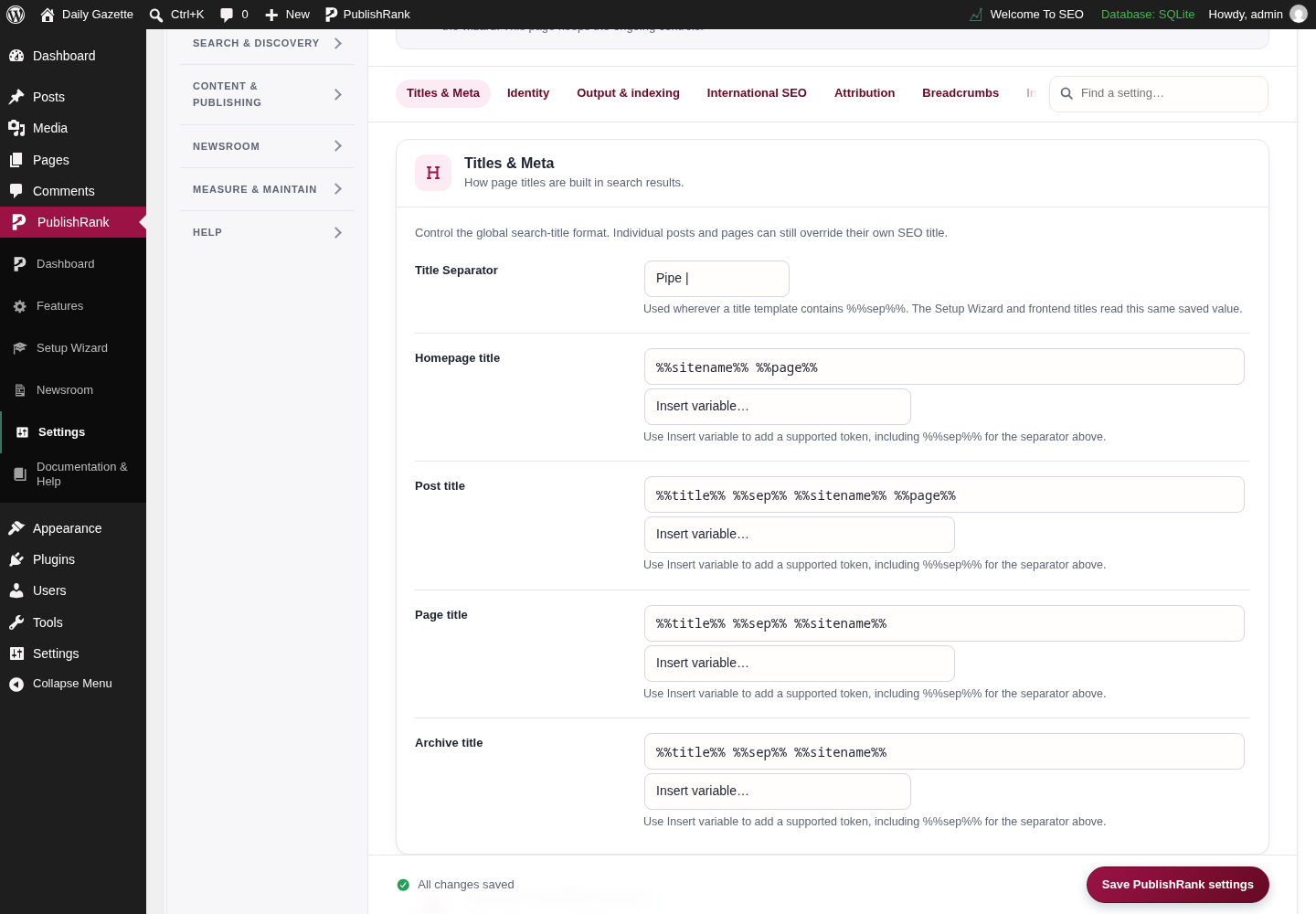
PublishRank Titles and meta settings screen in the WordPress admin, captured on a local test site with demo content.

Titles and meta settings

Actual Titles and meta settings screen from the PublishRank WordPress admin.
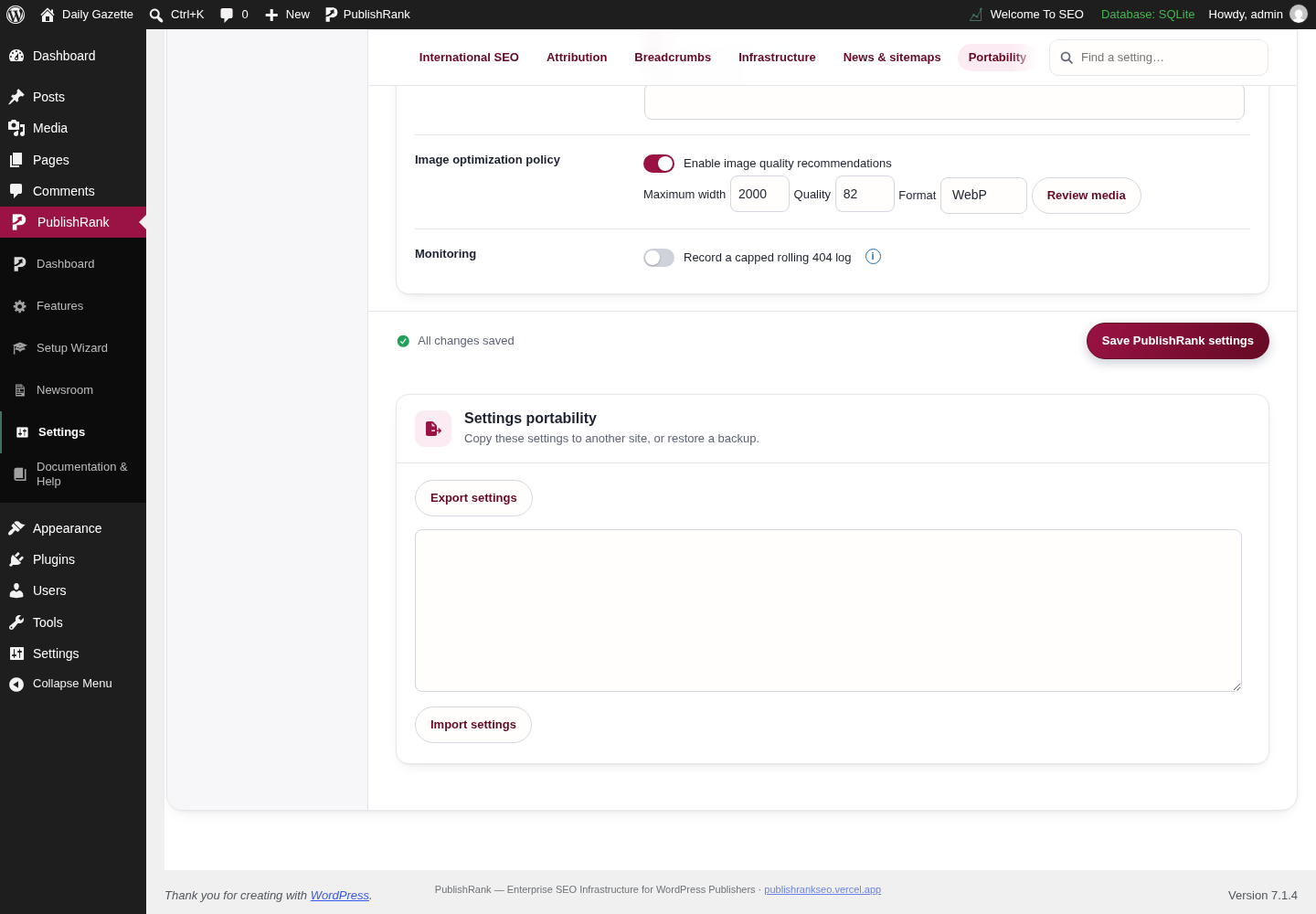
PublishRank Settings import and export screen in the WordPress admin, captured on a local test site with demo content.

Settings import and export

Actual Settings import and export screen from the PublishRank WordPress admin.
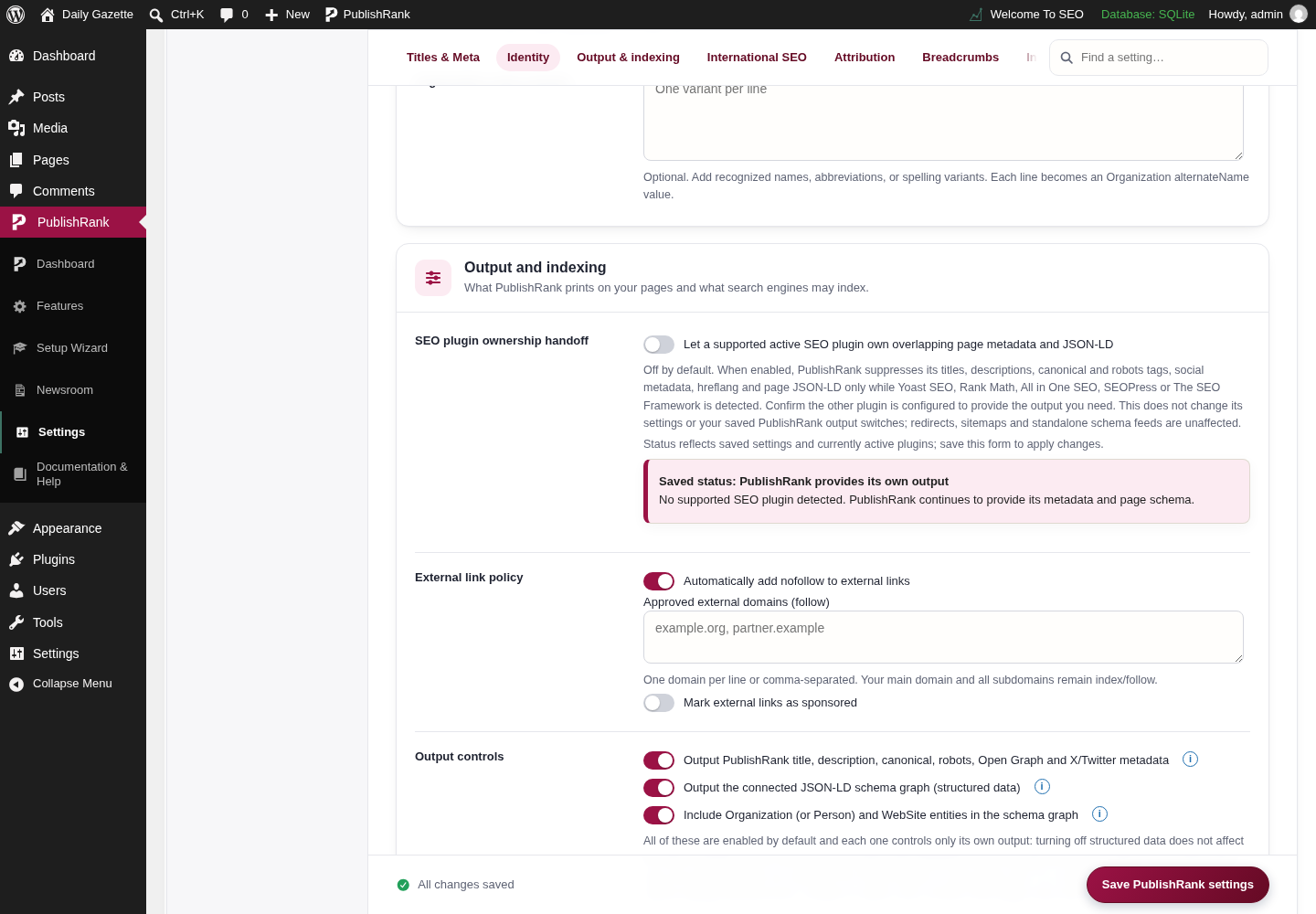
PublishRank General settings with sticky save bar screen in the WordPress admin, captured on a local test site with demo content.

General settings with sticky save bar

Actual General settings with sticky save bar screen from the PublishRank WordPress admin.
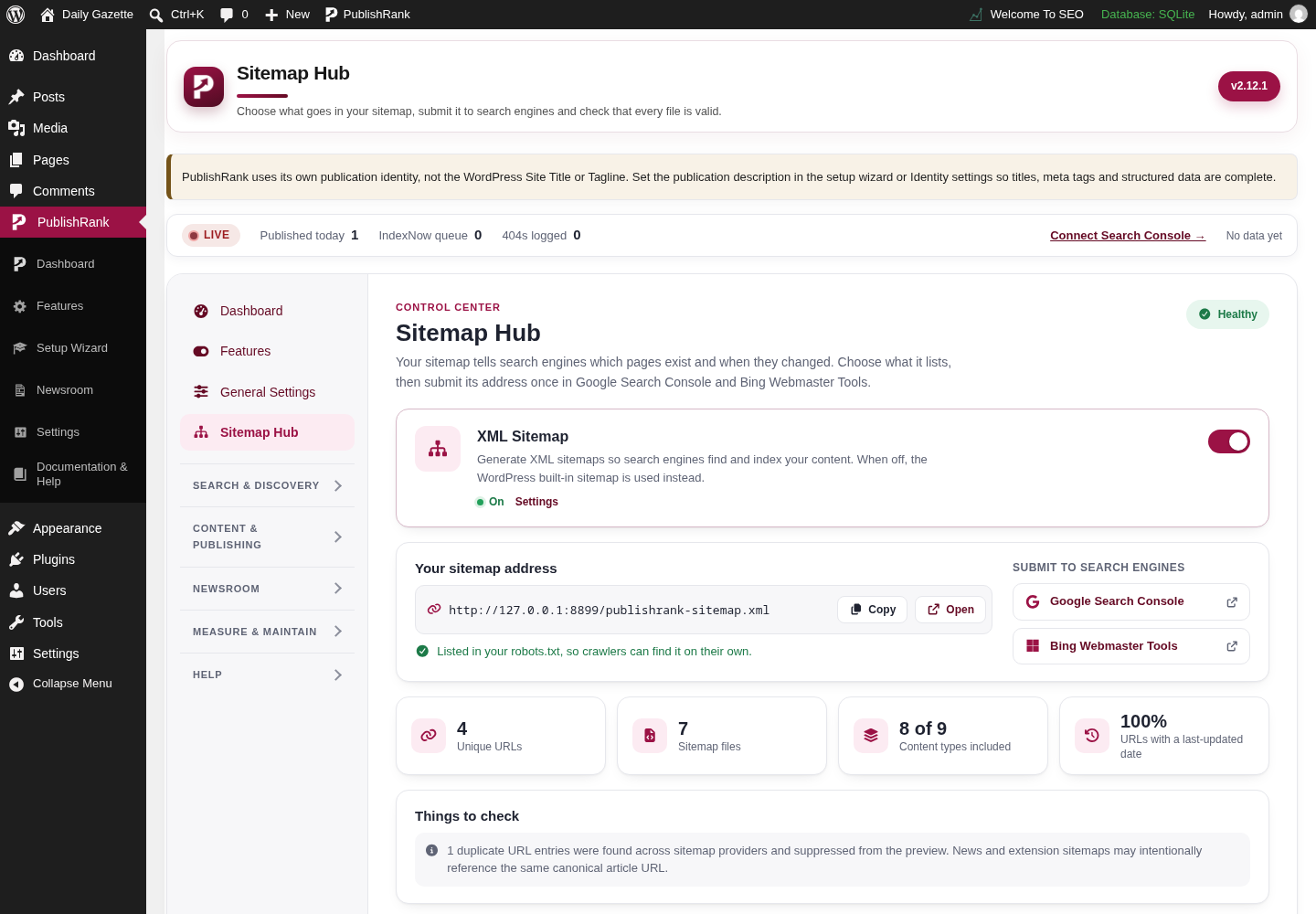
Search & discoverySitemaps, structured data, search integrations, crawler controls, and discovery tools.11
PublishRank Sitemap hub screen in the WordPress admin, captured on a local test site with demo content.

Sitemap hub

Actual Sitemap hub screen from the PublishRank WordPress admin.
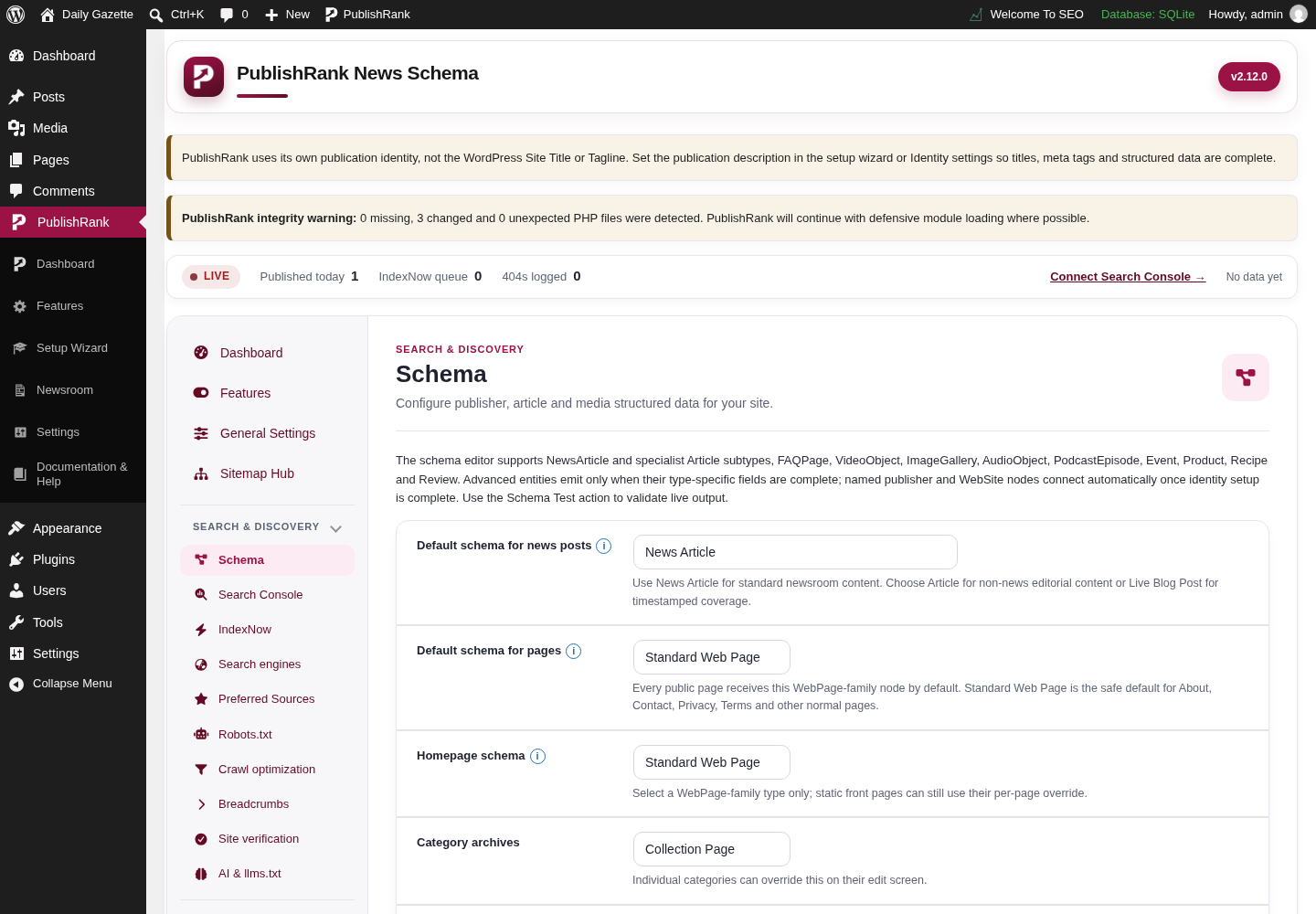
PublishRank Schema markup screen in the WordPress admin, captured on a local test site with demo content.

Schema markup

Actual Schema markup screen from the PublishRank WordPress admin.
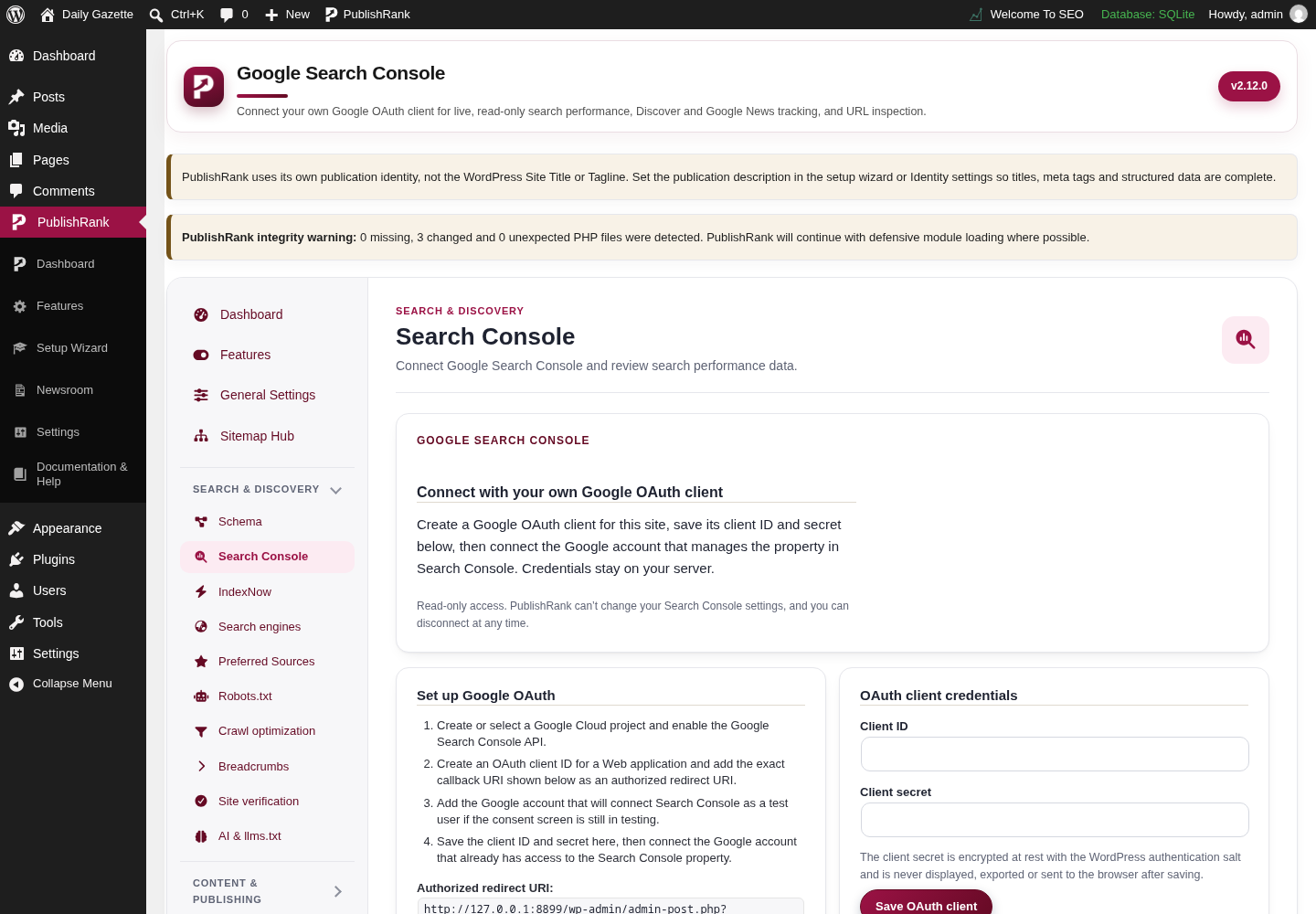
PublishRank Google Search Console screen in the WordPress admin, captured on a local test site with demo content.

Google Search Console

Actual Google Search Console screen from the PublishRank WordPress admin.
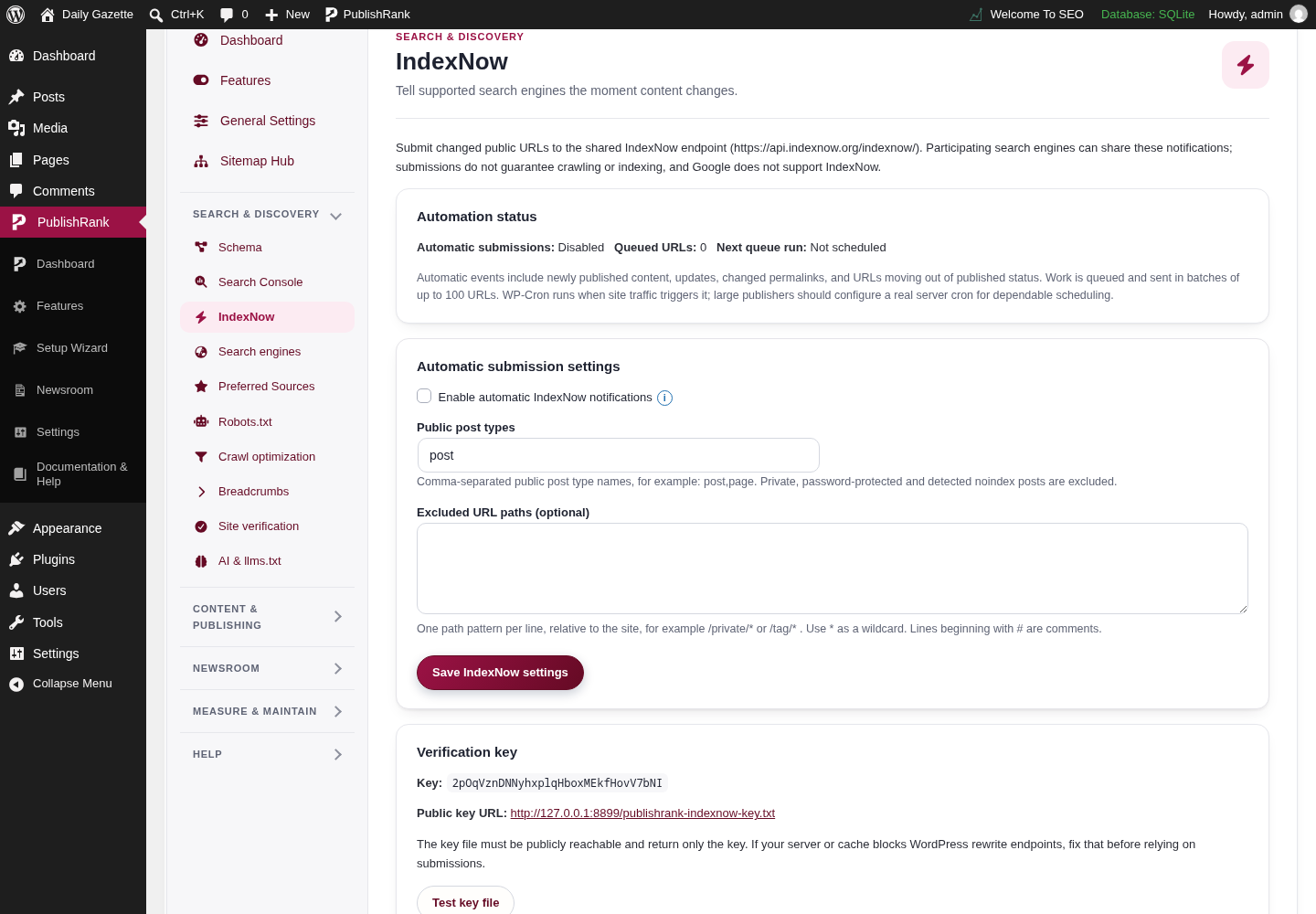
PublishRank IndexNow screen in the WordPress admin, captured on a local test site with demo content.

IndexNow

Actual IndexNow screen from the PublishRank WordPress admin.
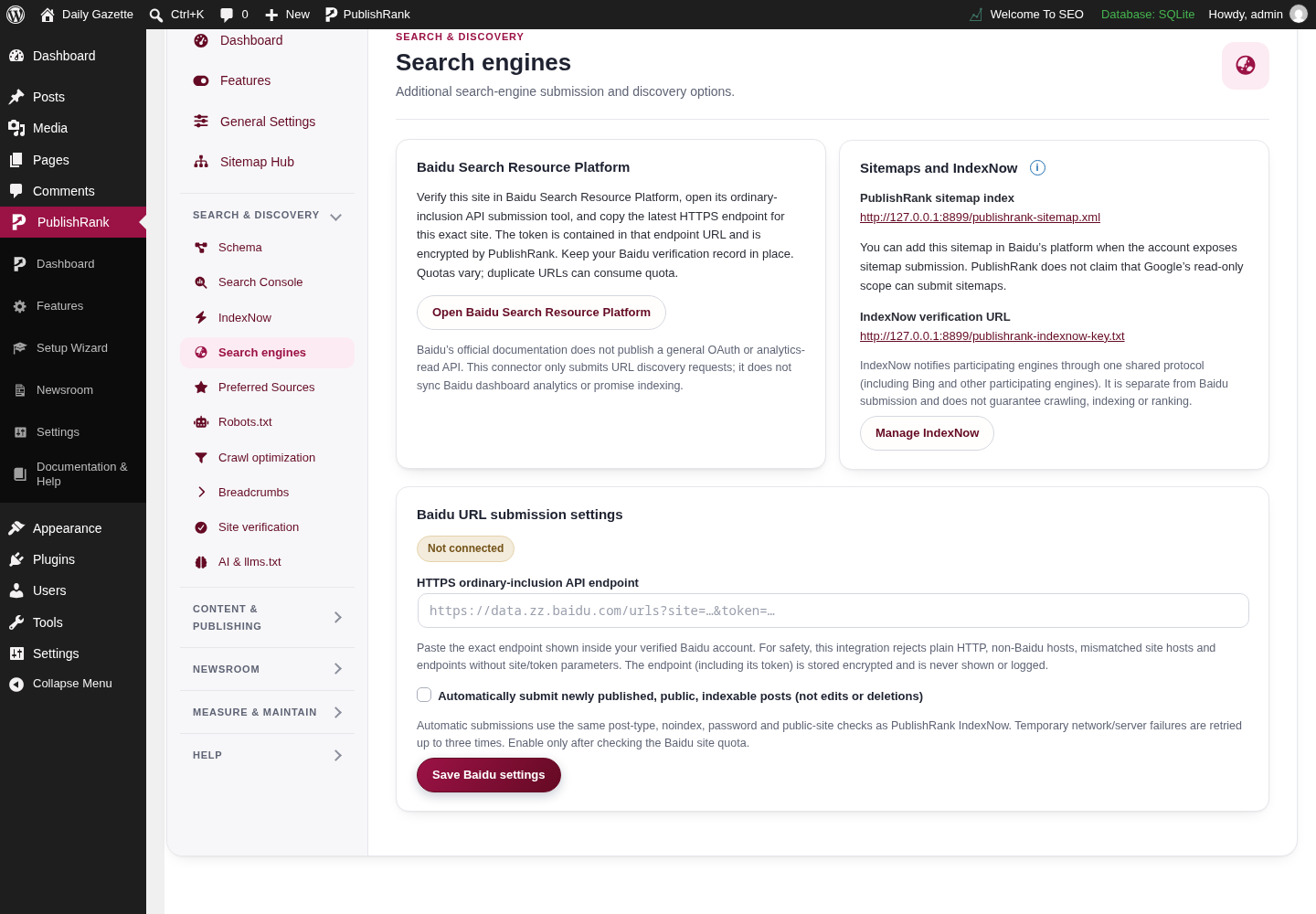
PublishRank Search engines: Baidu screen in the WordPress admin, captured on a local test site with demo content.

Search engines: Baidu

Actual Search engines: Baidu screen from the PublishRank WordPress admin.
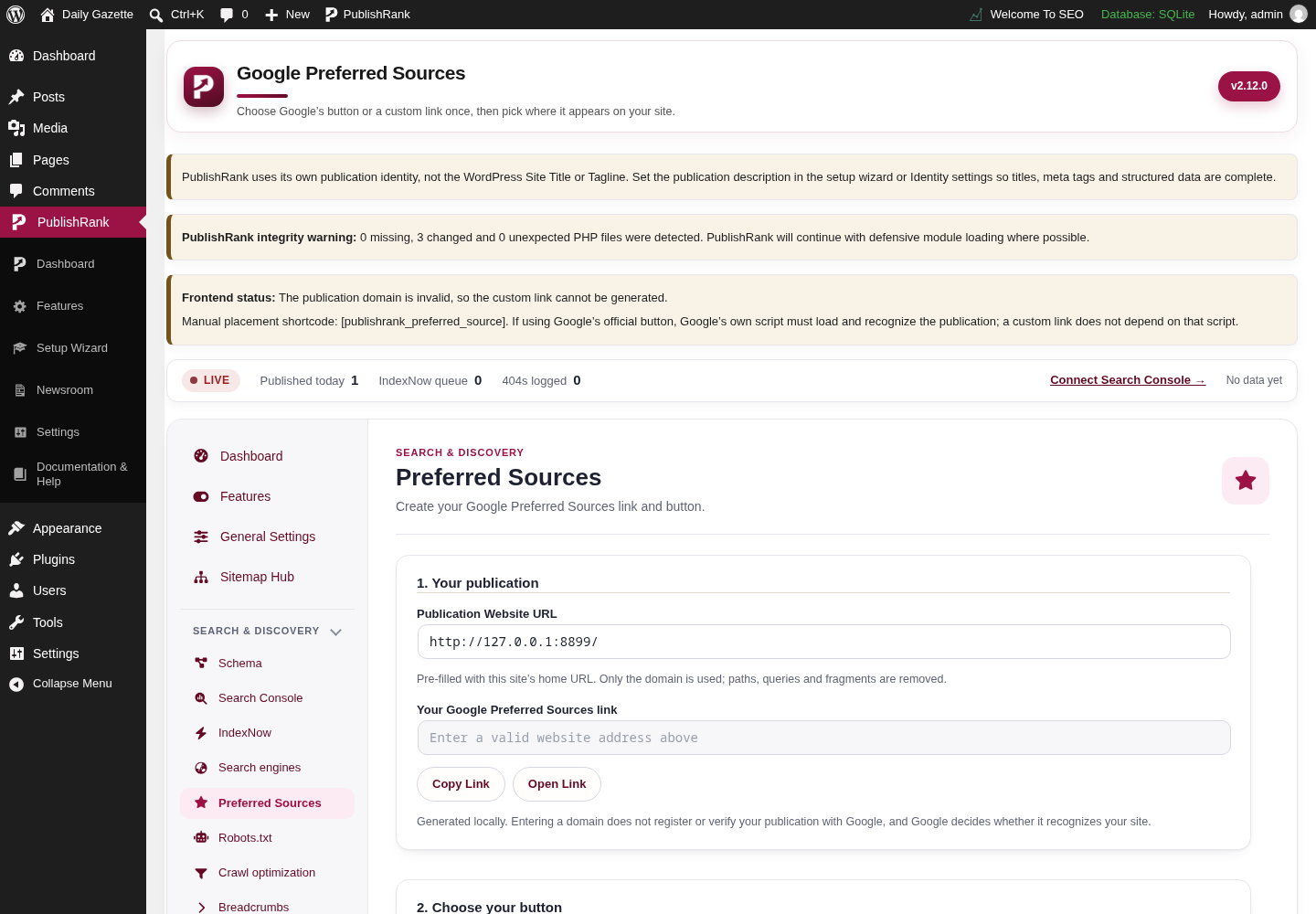
PublishRank Google Preferred Sources screen in the WordPress admin, captured on a local test site with demo content.

Google Preferred Sources

Actual Google Preferred Sources screen from the PublishRank WordPress admin.
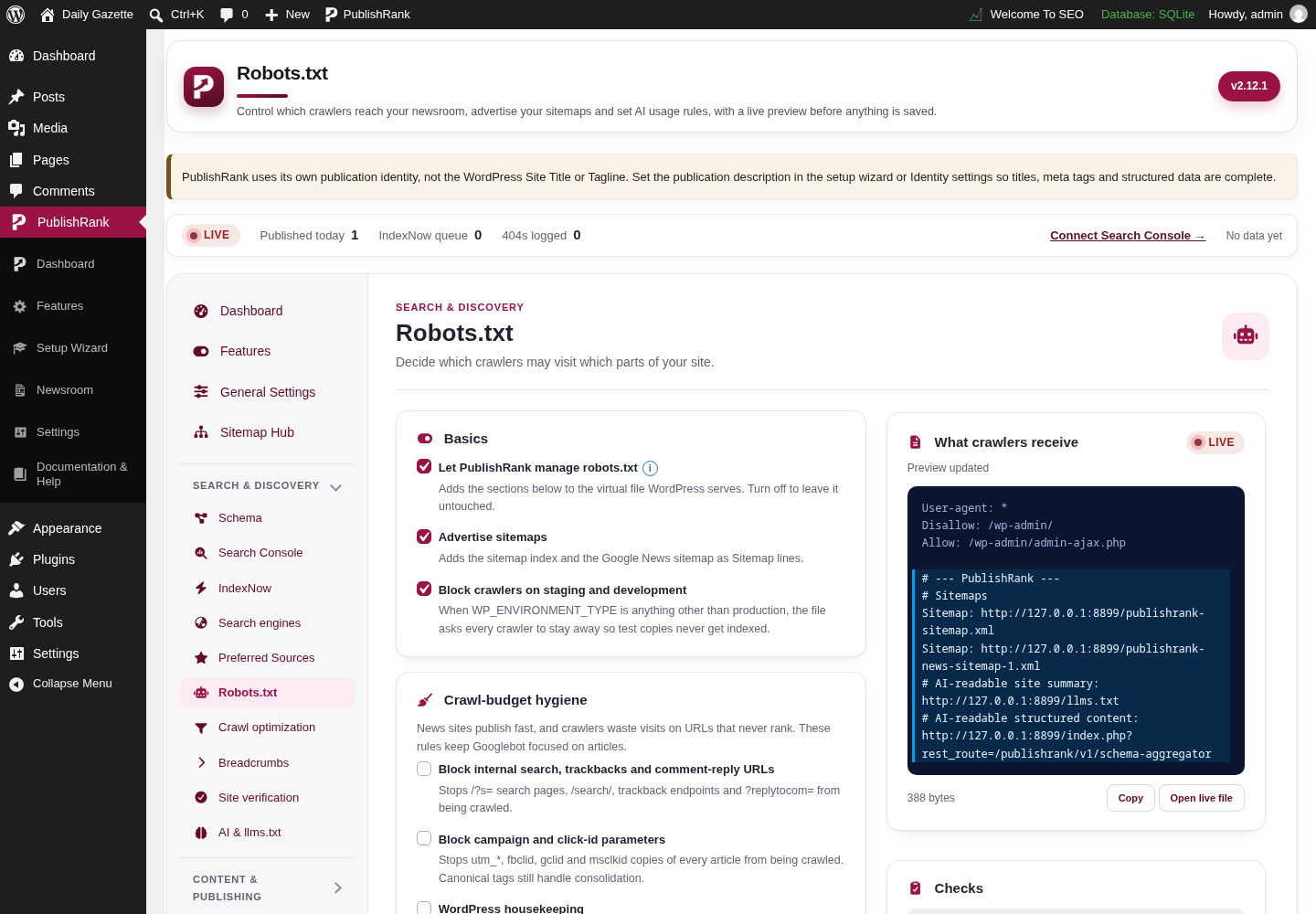
PublishRank Robots.txt screen in the WordPress admin, captured on a local test site with demo content.

Robots.txt

Actual Robots.txt screen from the PublishRank WordPress admin.
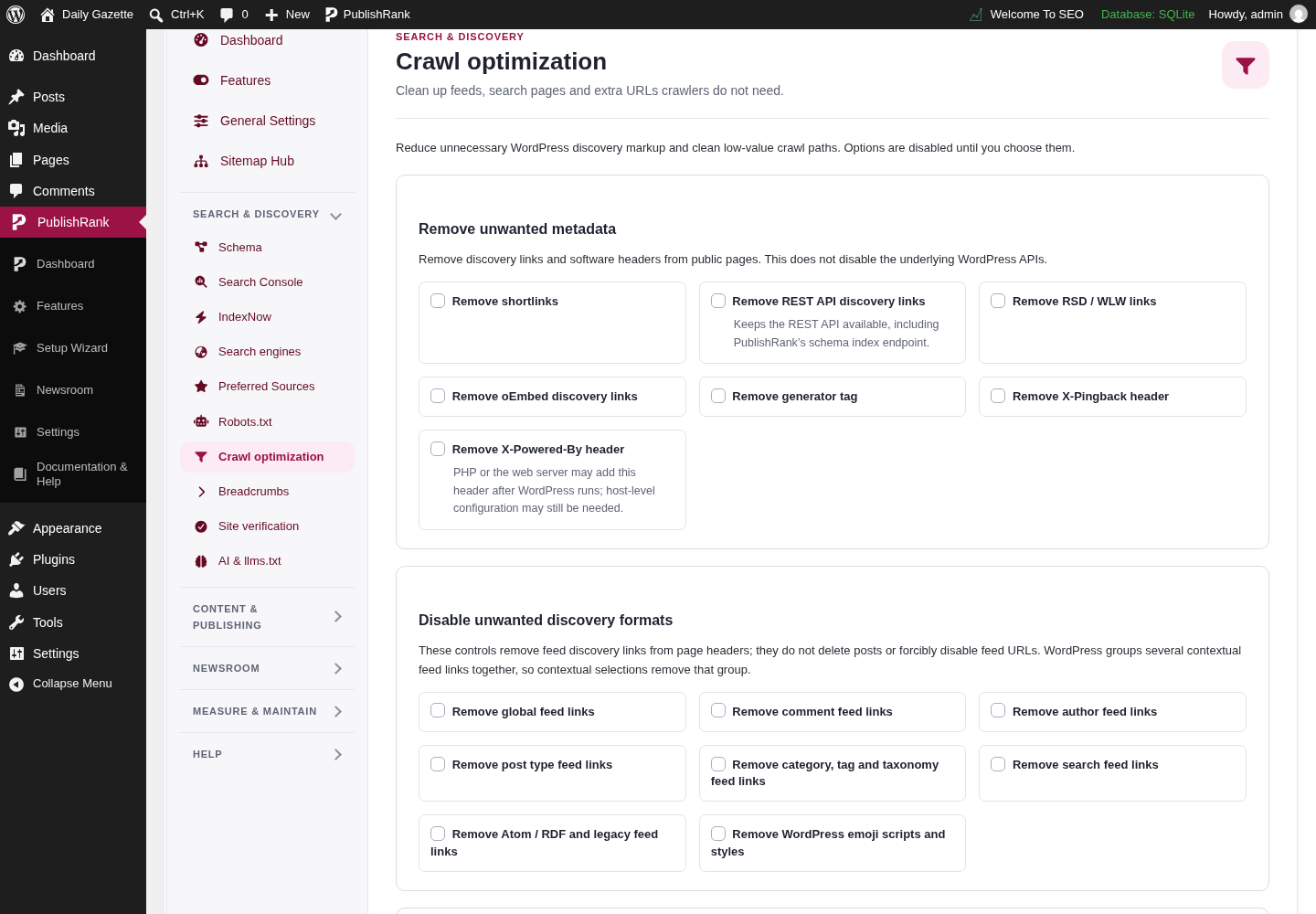
PublishRank Crawl optimization screen in the WordPress admin, captured on a local test site with demo content.

Crawl optimization

Actual Crawl optimization screen from the PublishRank WordPress admin.
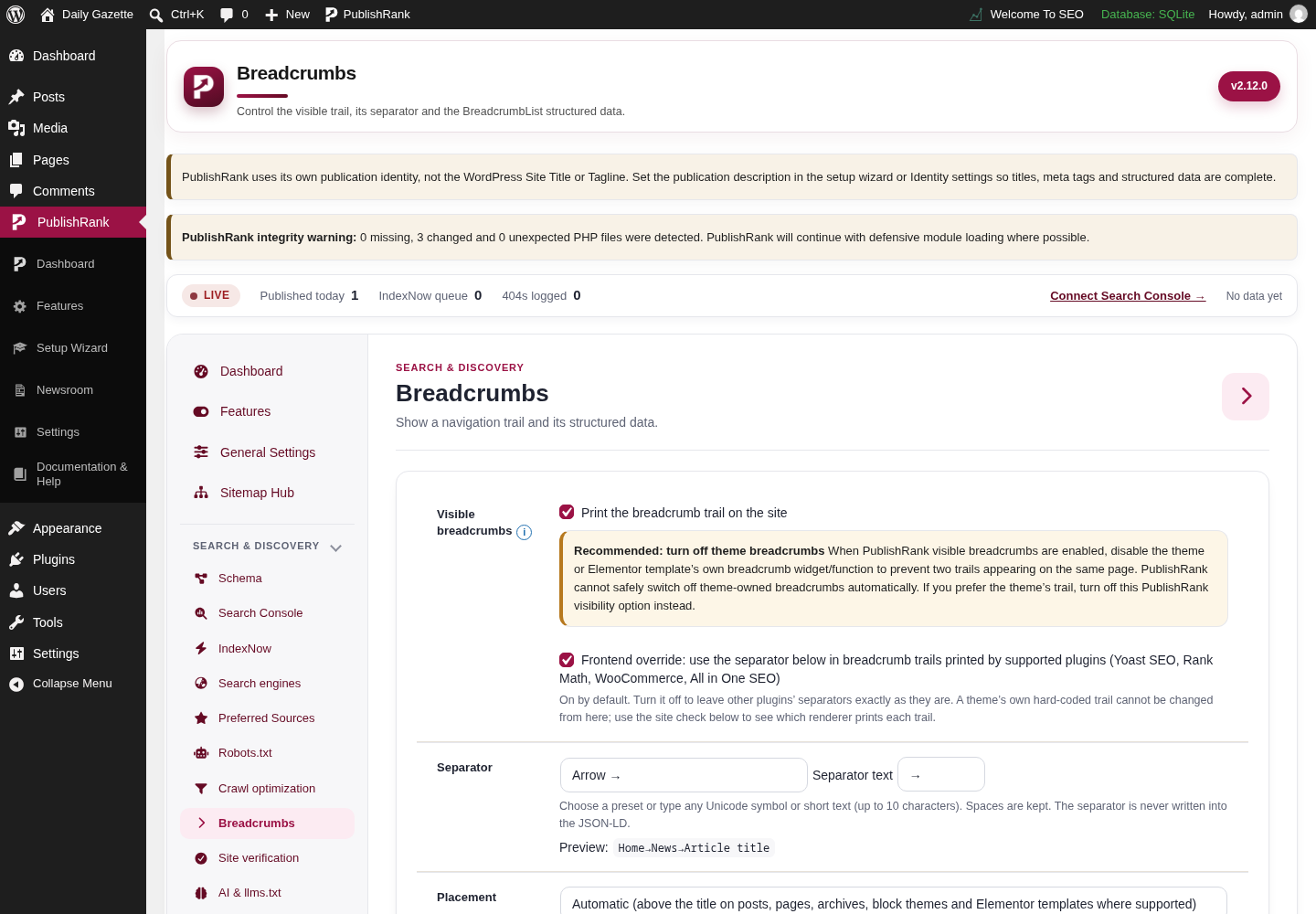
PublishRank Breadcrumbs screen in the WordPress admin, captured on a local test site with demo content.

Breadcrumbs

Actual Breadcrumbs screen from the PublishRank WordPress admin.
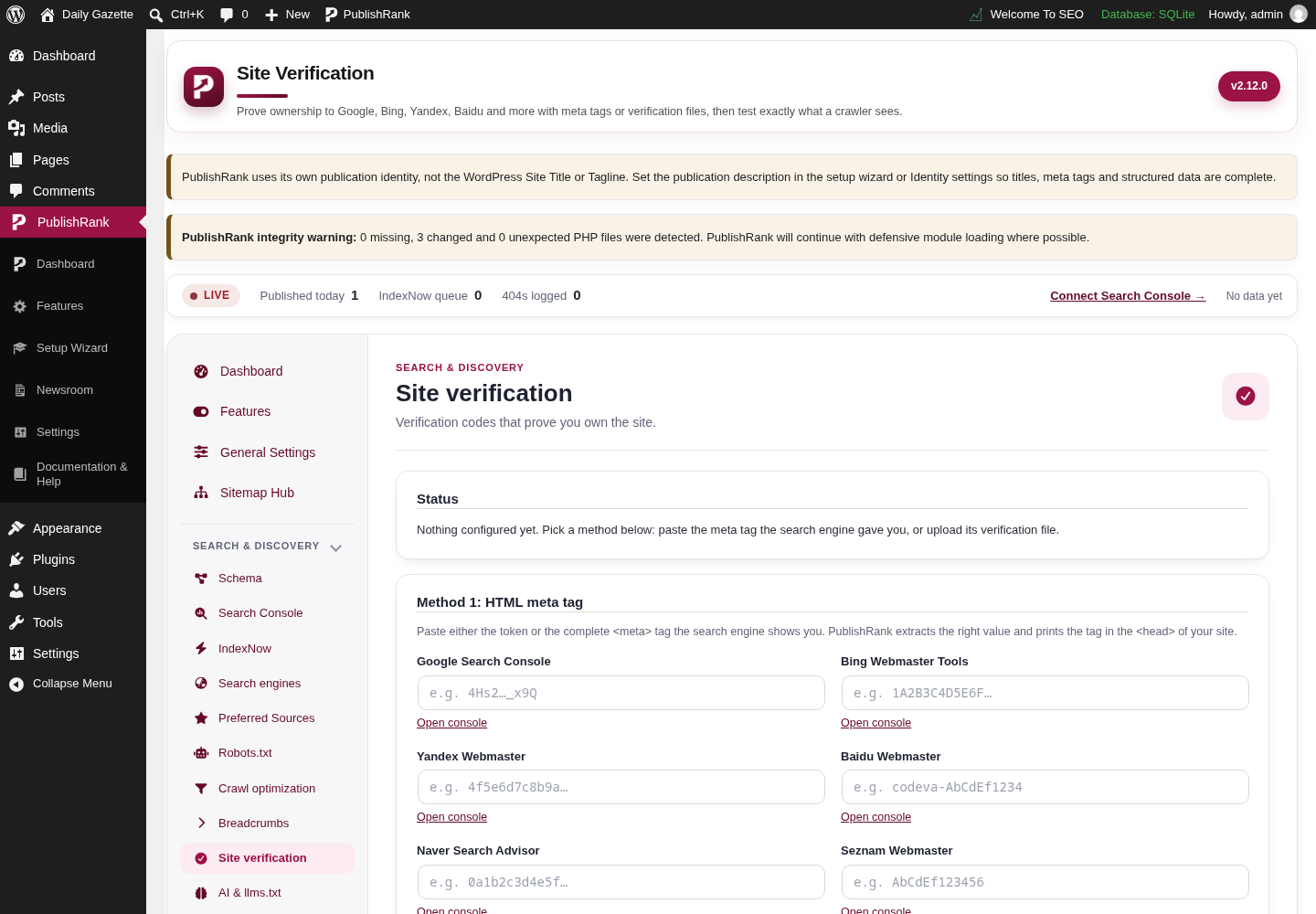
PublishRank Site verification screen in the WordPress admin, captured on a local test site with demo content.

Site verification

Actual Site verification screen from the PublishRank WordPress admin.
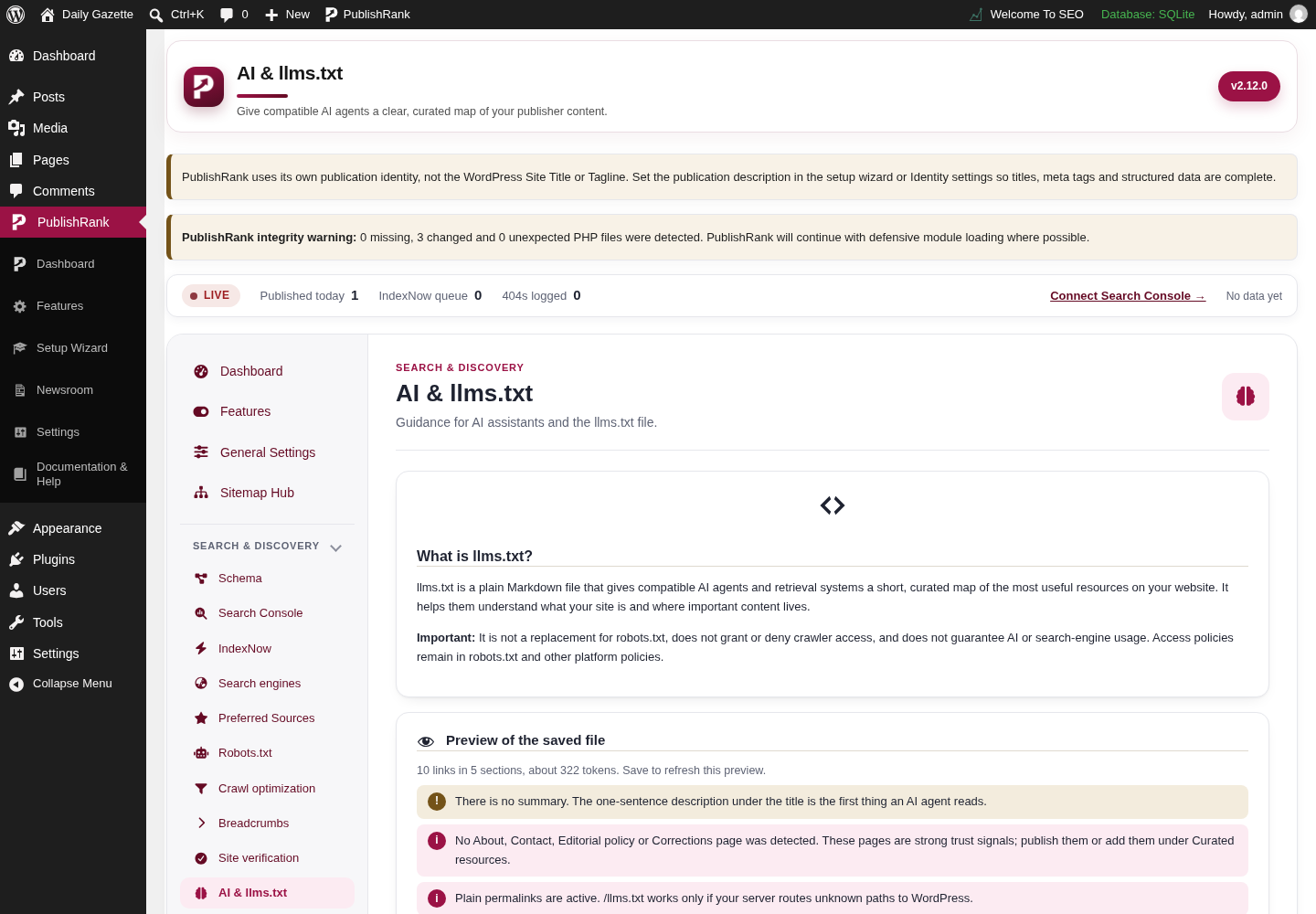
PublishRank AI and llms.txt screen in the WordPress admin, captured on a local test site with demo content.

AI and llms.txt

Actual AI and llms.txt screen from the PublishRank WordPress admin.
Content & publishing toolsTools for authors, editorial content, images, links, local SEO, and on-page scoring.7
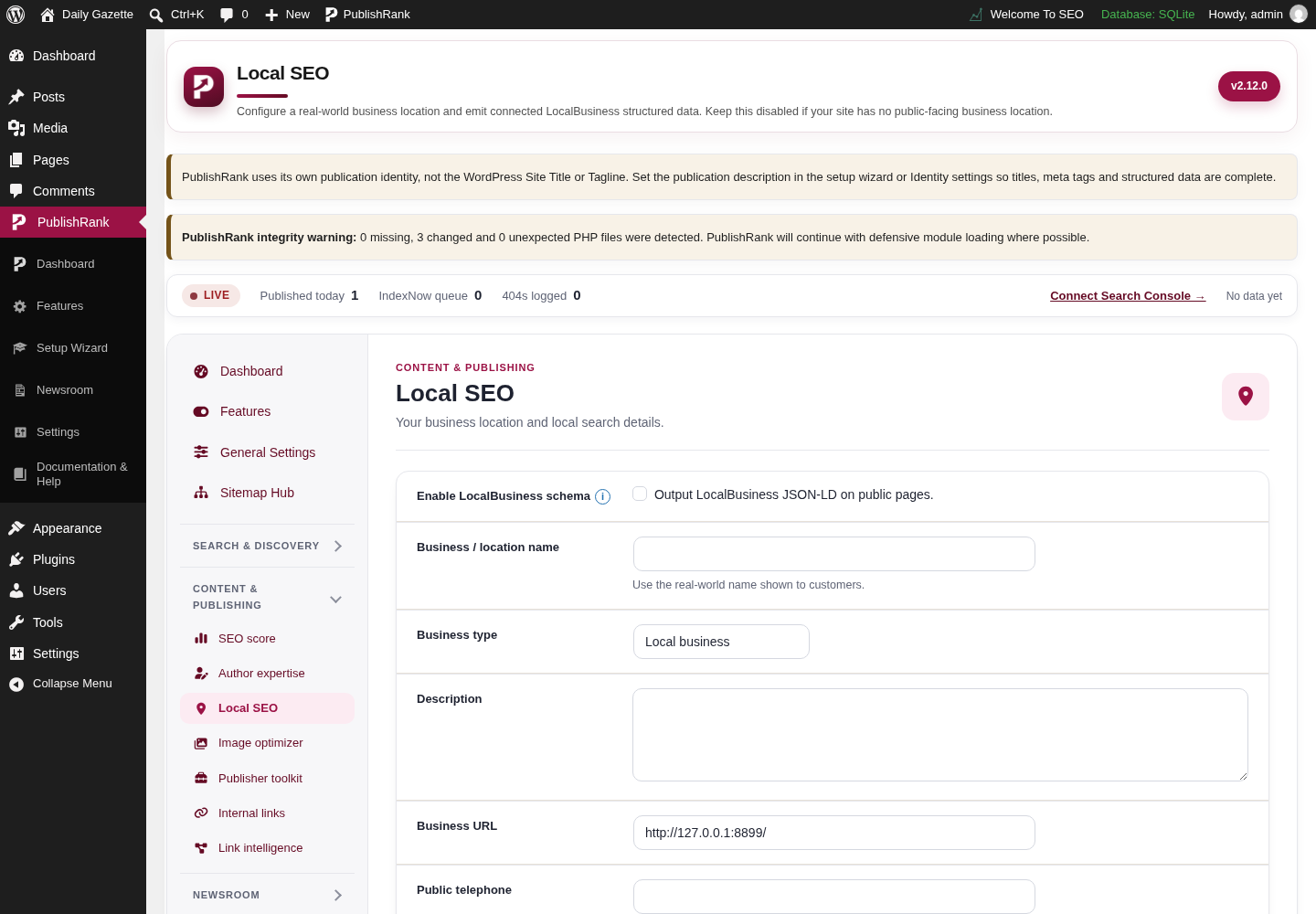
PublishRank Local SEO screen in the WordPress admin, captured on a local test site with demo content.

Local SEO

Actual Local SEO screen from the PublishRank WordPress admin.
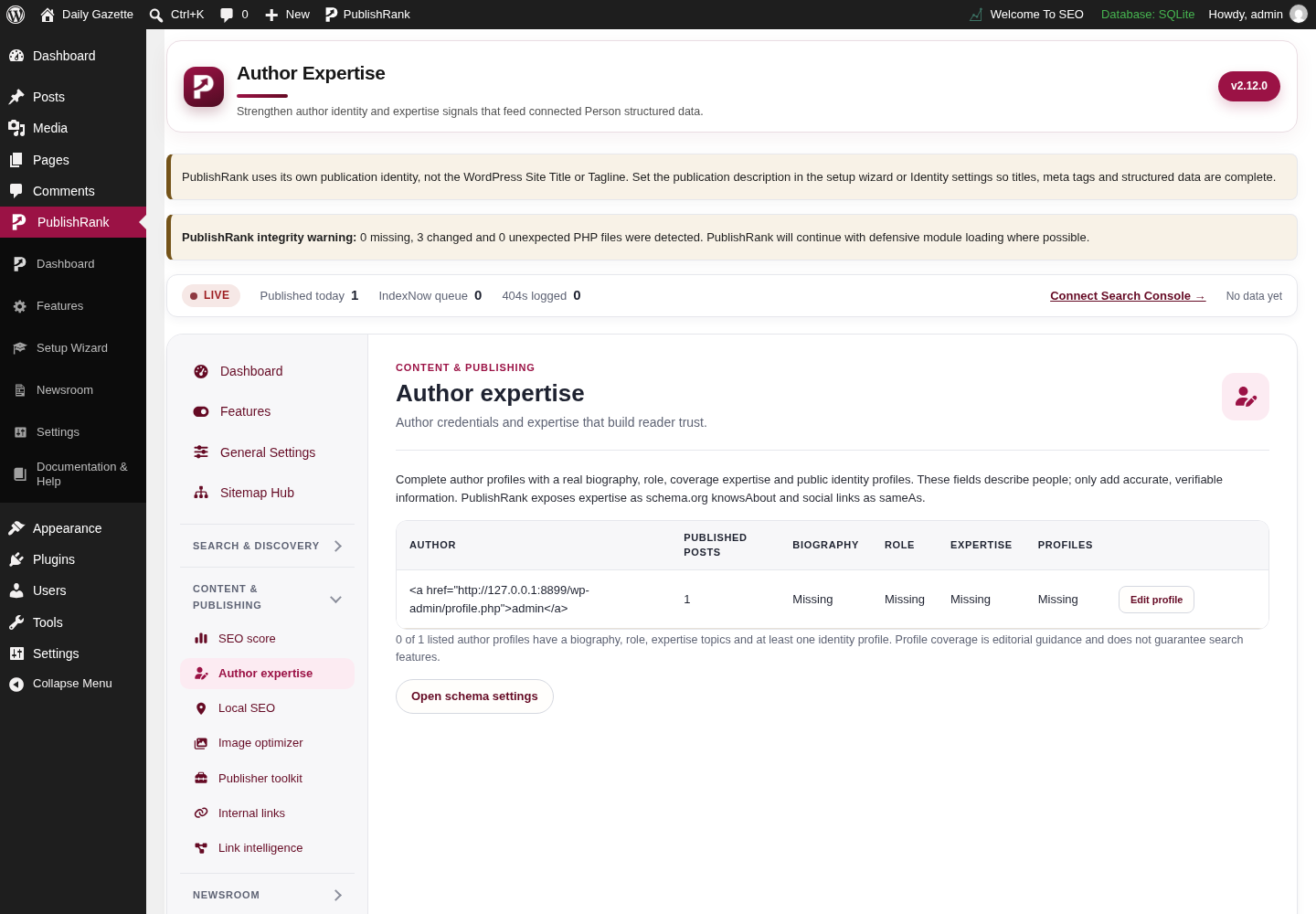
PublishRank Author expertise screen in the WordPress admin, captured on a local test site with demo content.

Author expertise

Actual Author expertise screen from the PublishRank WordPress admin.
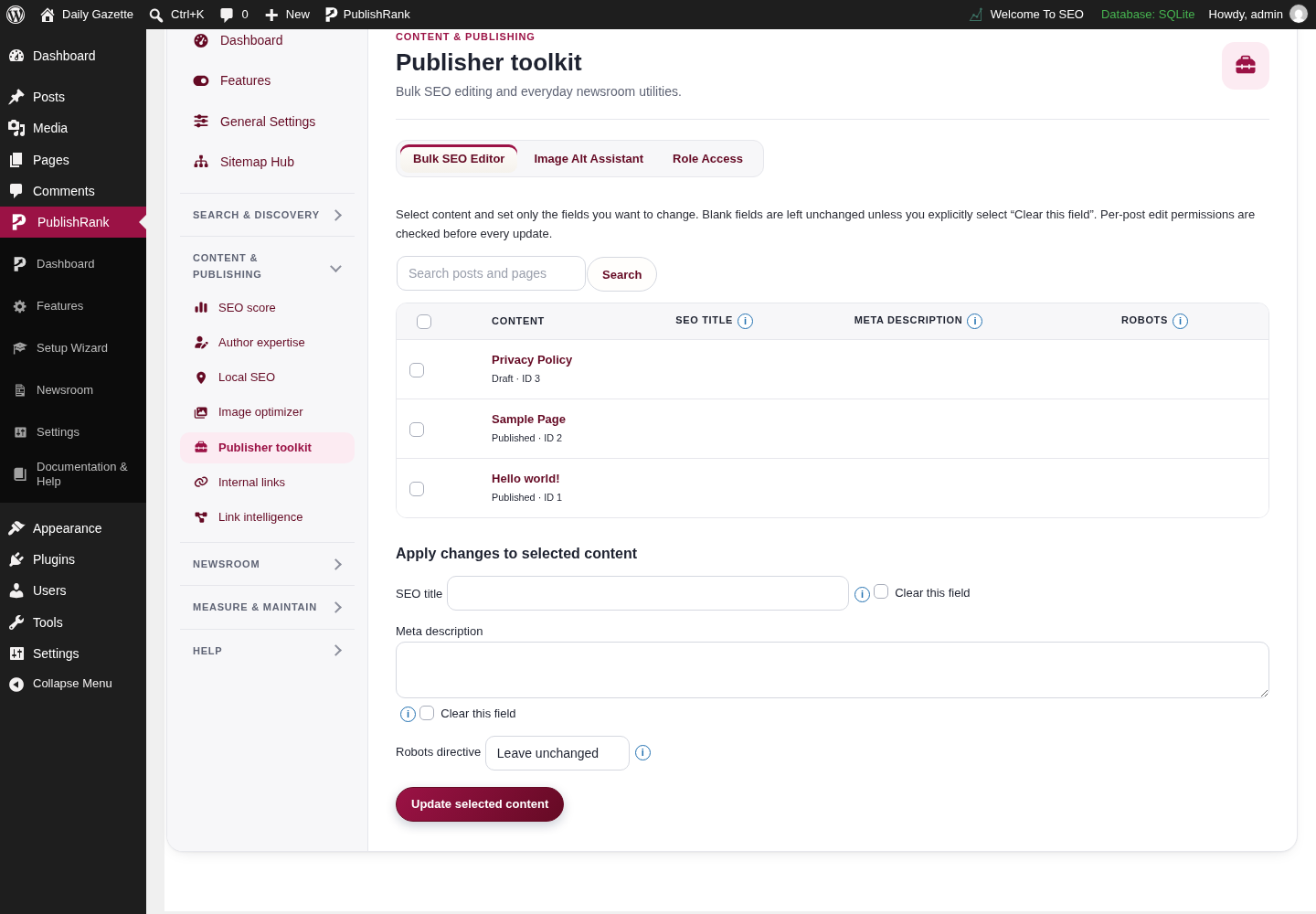
PublishRank Publisher toolkit screen in the WordPress admin, captured on a local test site with demo content.

Publisher toolkit

Actual Publisher toolkit screen from the PublishRank WordPress admin.
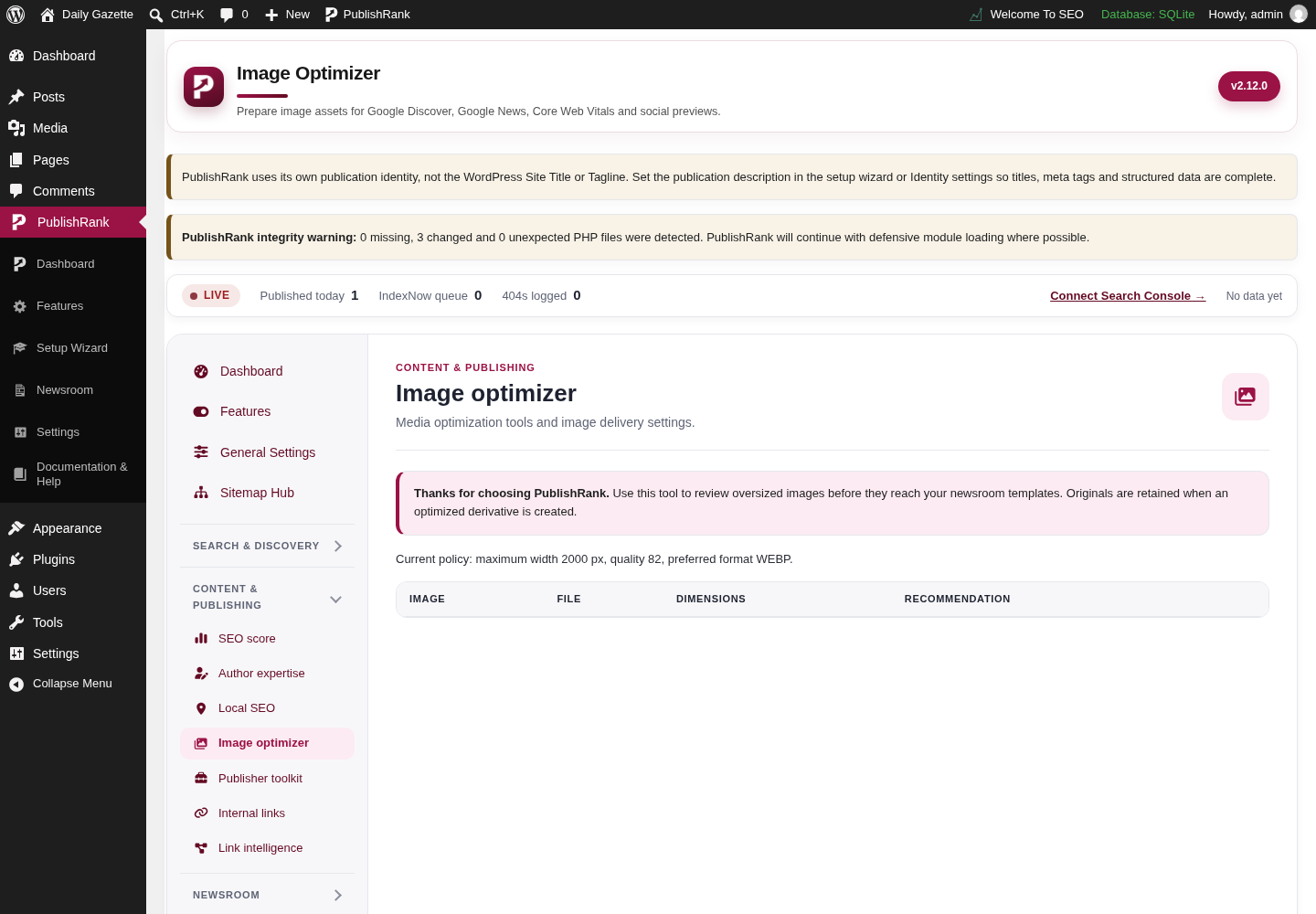
PublishRank Image optimizer screen in the WordPress admin, captured on a local test site with demo content.

Image optimizer

Actual Image optimizer screen from the PublishRank WordPress admin.
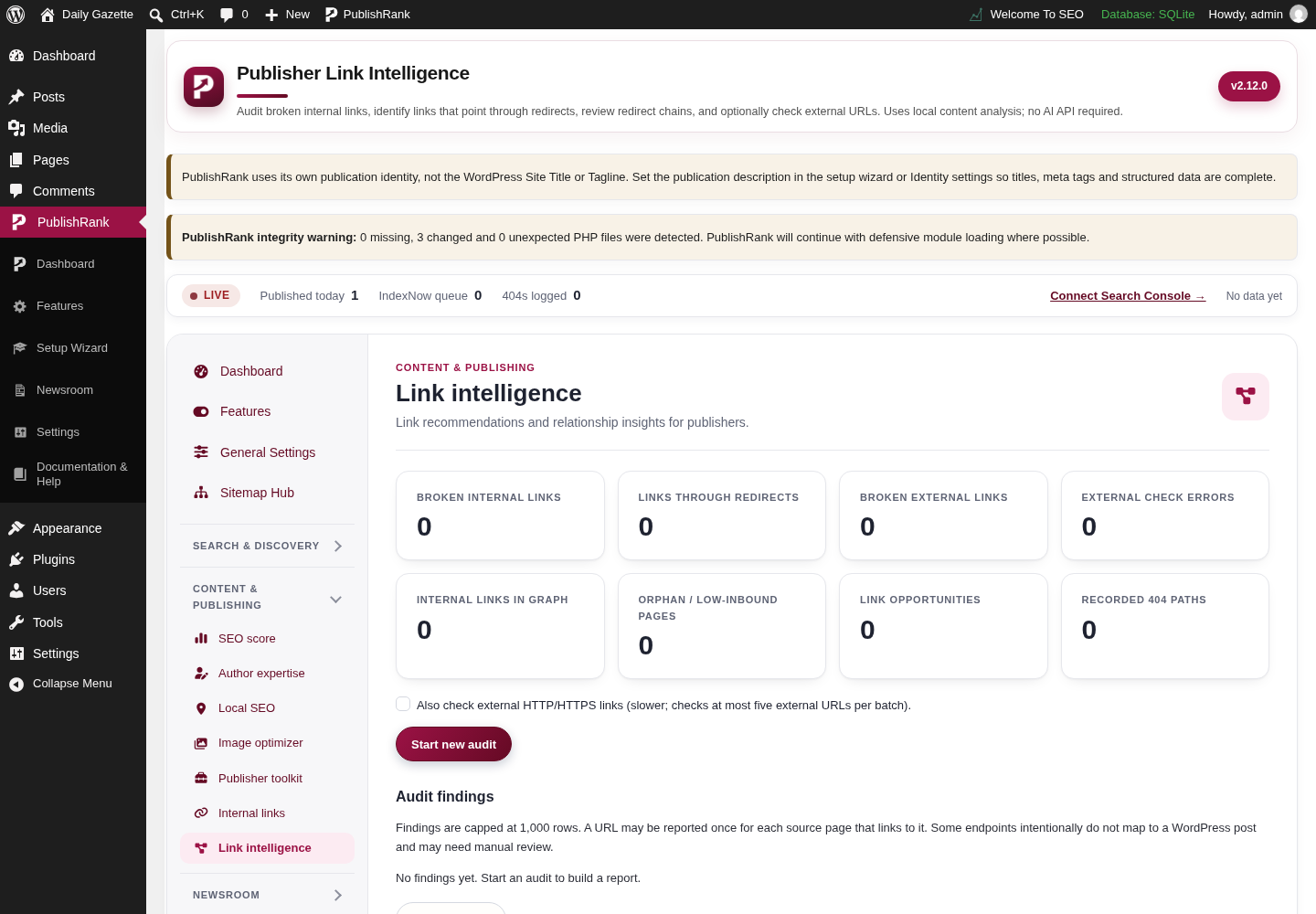
PublishRank Link intelligence screen in the WordPress admin, captured on a local test site with demo content.

Link intelligence

Actual Link intelligence screen from the PublishRank WordPress admin.
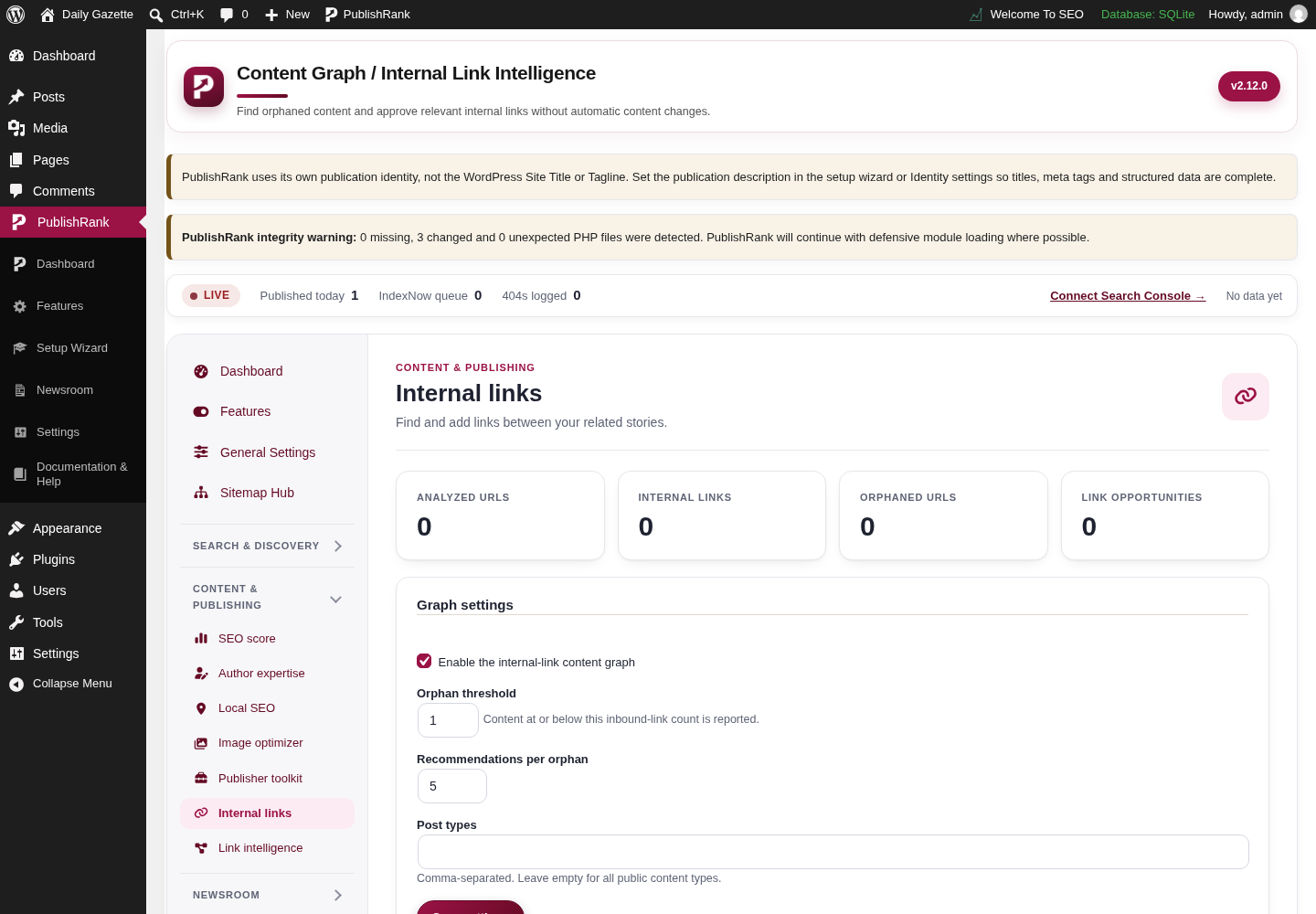
PublishRank Internal links screen in the WordPress admin, captured on a local test site with demo content.

Internal links

Actual Internal links screen from the PublishRank WordPress admin.
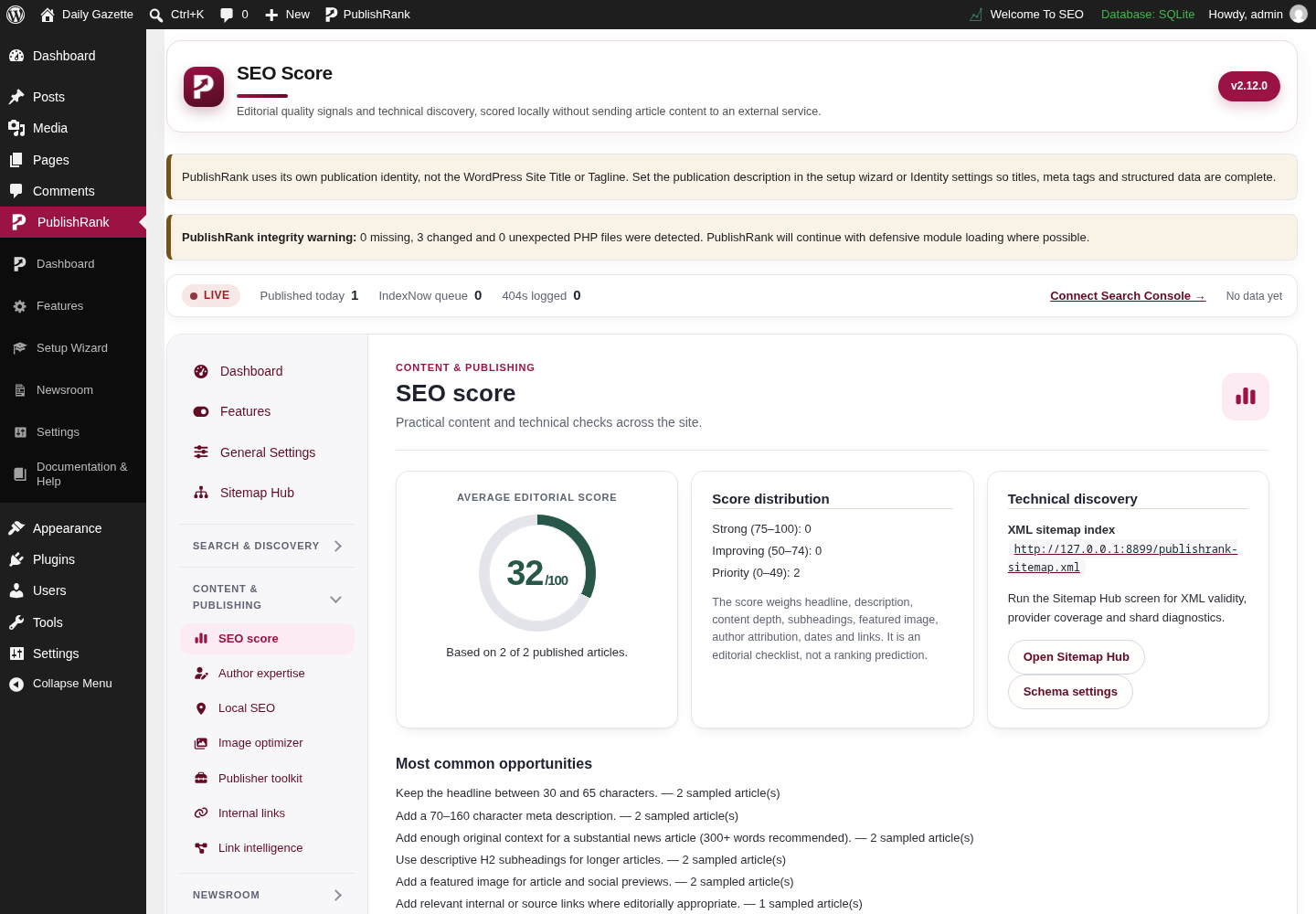
PublishRank SEO score screen in the WordPress admin, captured on a local test site with demo content.

SEO score

Actual SEO score screen from the PublishRank WordPress admin.
Measure & maintainSite monitoring, redirects, access controls, analytics, insights, and diagnostics.8
PublishRank Redirects screen in the WordPress admin, captured on a local test site with demo content.

Redirects

Actual Redirects screen from the PublishRank WordPress admin.
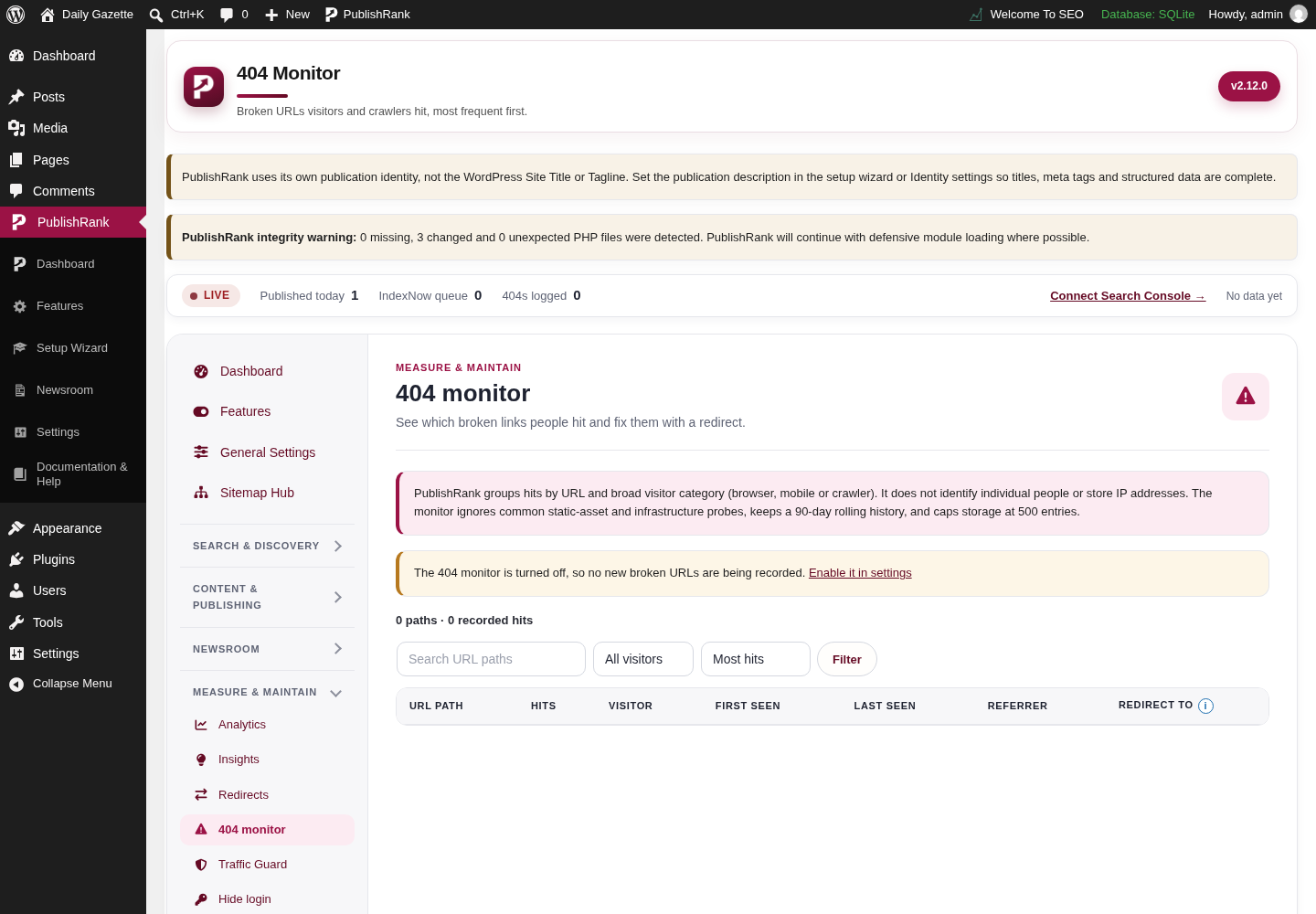
PublishRank 404 monitor screen in the WordPress admin, captured on a local test site with demo content.

404 monitor

Actual 404 monitor screen from the PublishRank WordPress admin.
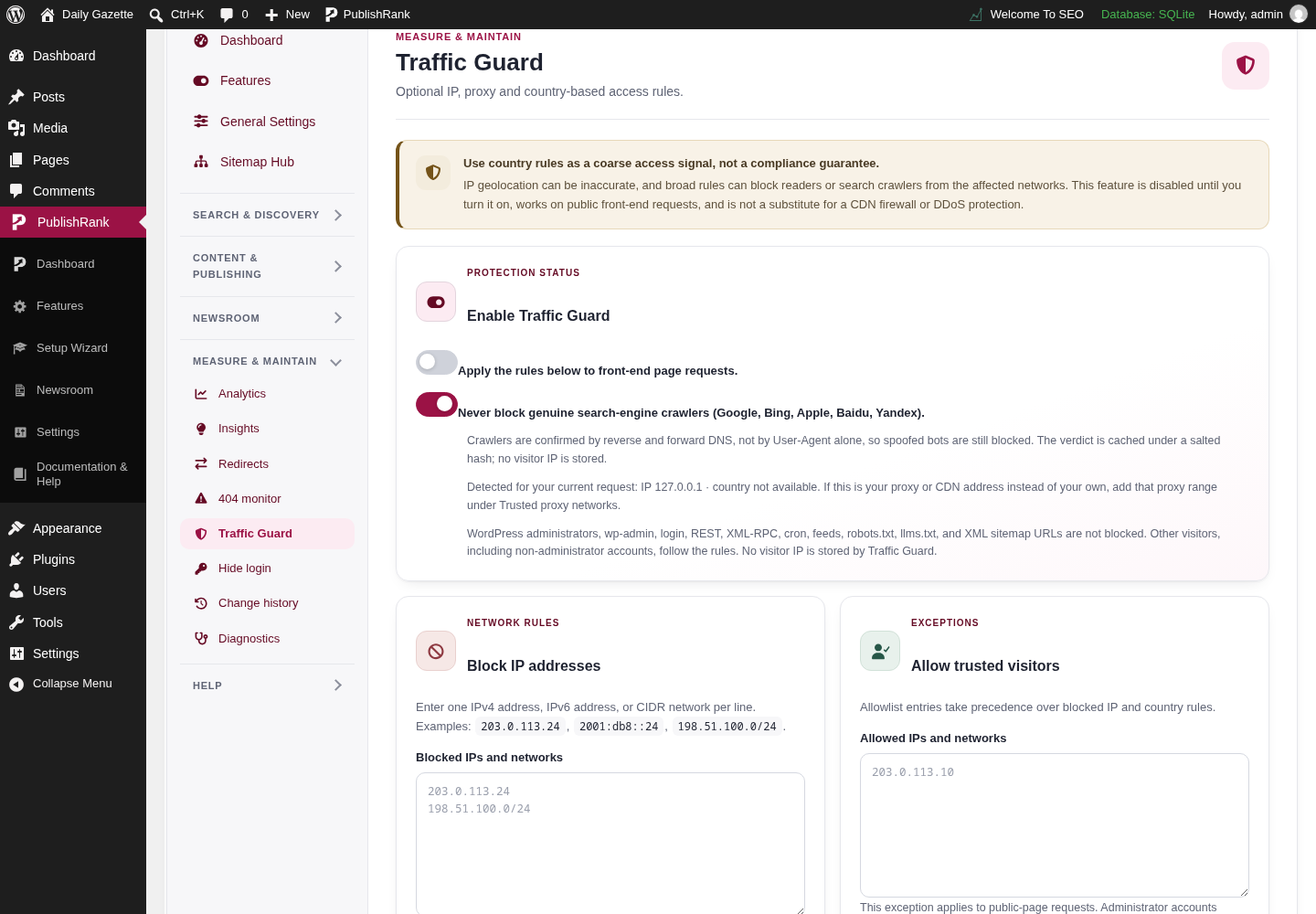
PublishRank Traffic Guard screen in the WordPress admin, captured on a local test site with demo content.

Traffic Guard

Actual Traffic Guard screen from the PublishRank WordPress admin.
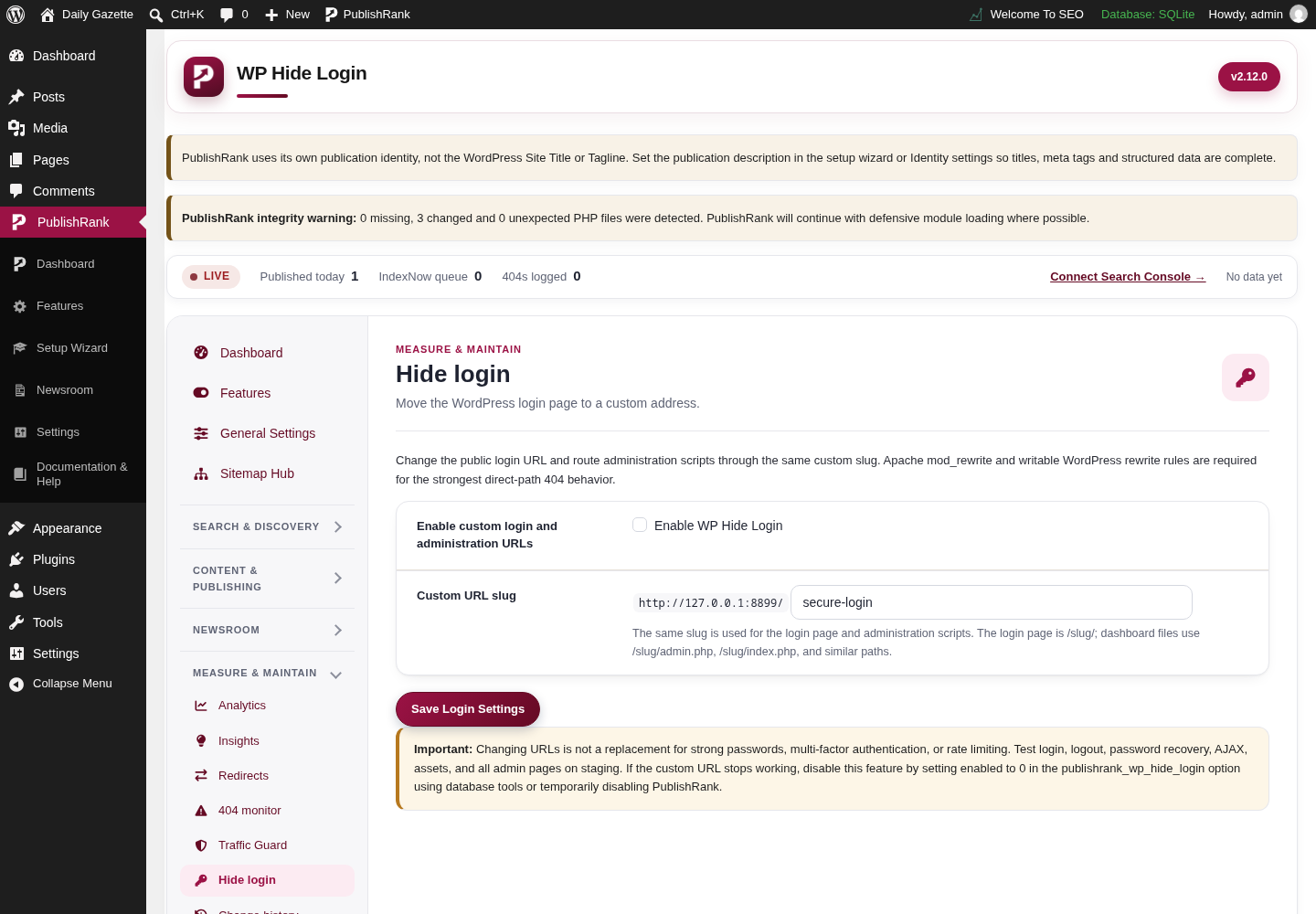
PublishRank WP Hide Login screen in the WordPress admin, captured on a local test site with demo content.

WP Hide Login

Actual WP Hide Login screen from the PublishRank WordPress admin.
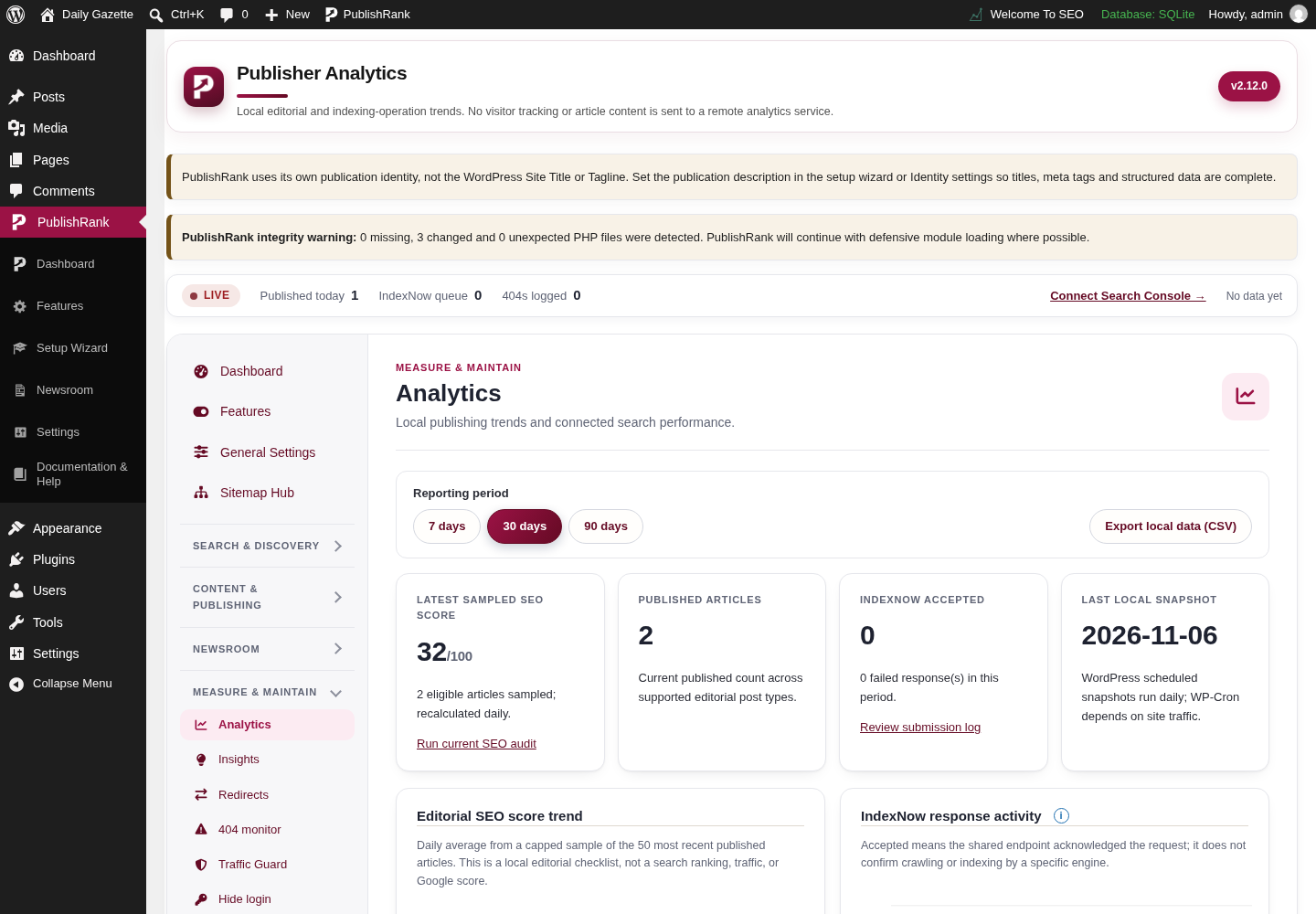
PublishRank Analytics screen in the WordPress admin, captured on a local test site with demo content.

Analytics

Actual Analytics screen from the PublishRank WordPress admin.
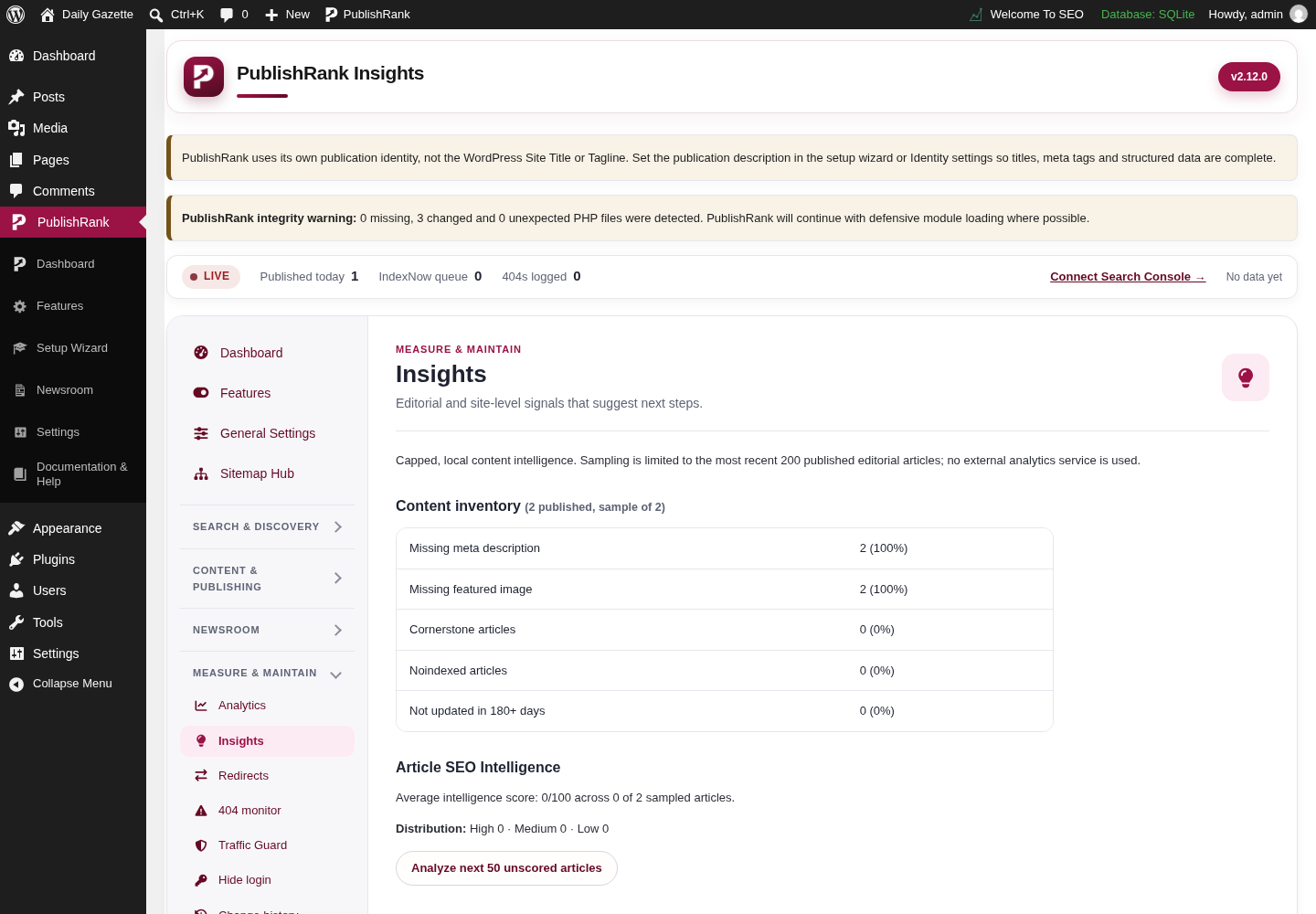
PublishRank Insights screen in the WordPress admin, captured on a local test site with demo content.

Insights

Actual Insights screen from the PublishRank WordPress admin.
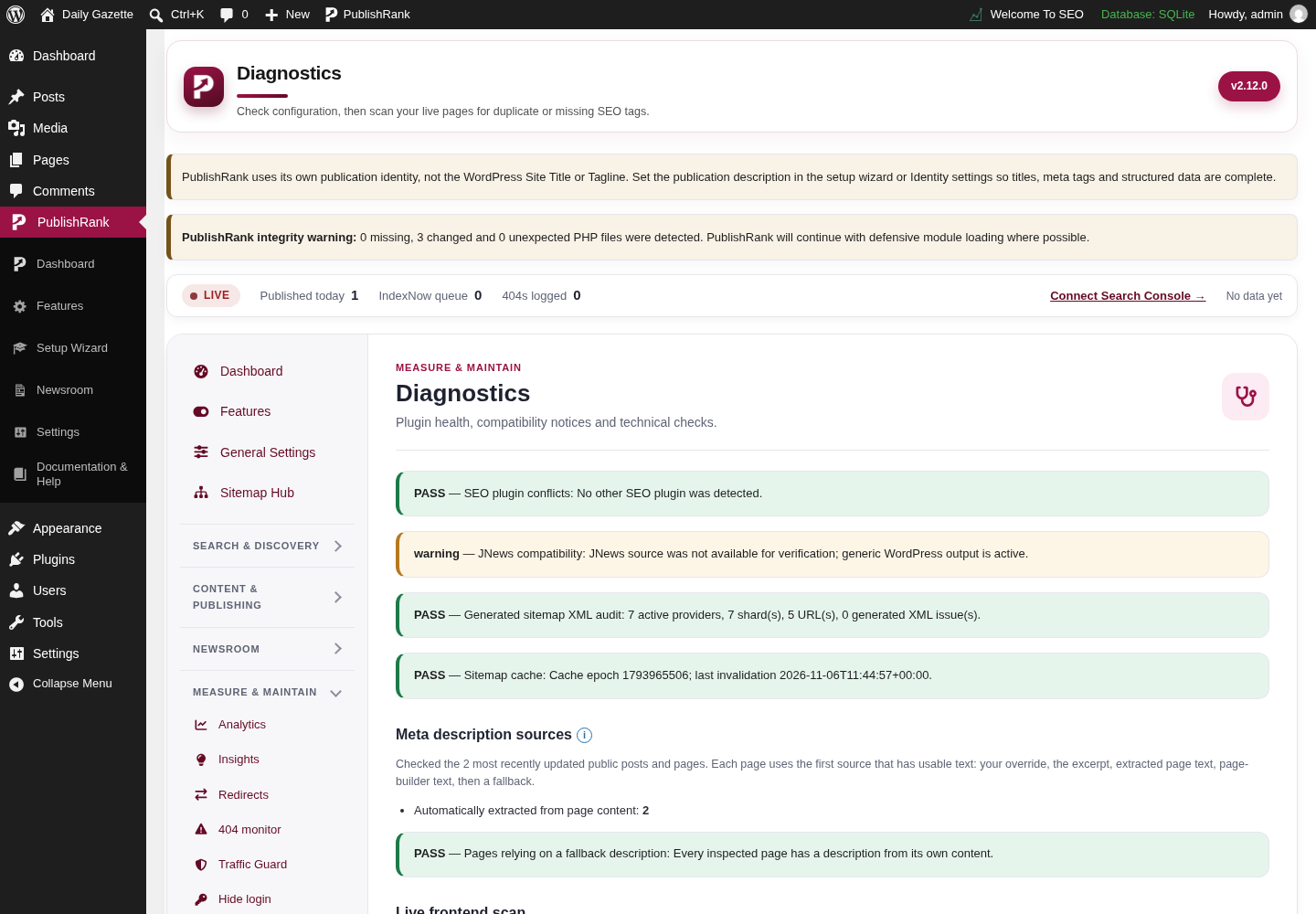
PublishRank Diagnostics screen in the WordPress admin, captured on a local test site with demo content.

Diagnostics

Actual Diagnostics screen from the PublishRank WordPress admin.
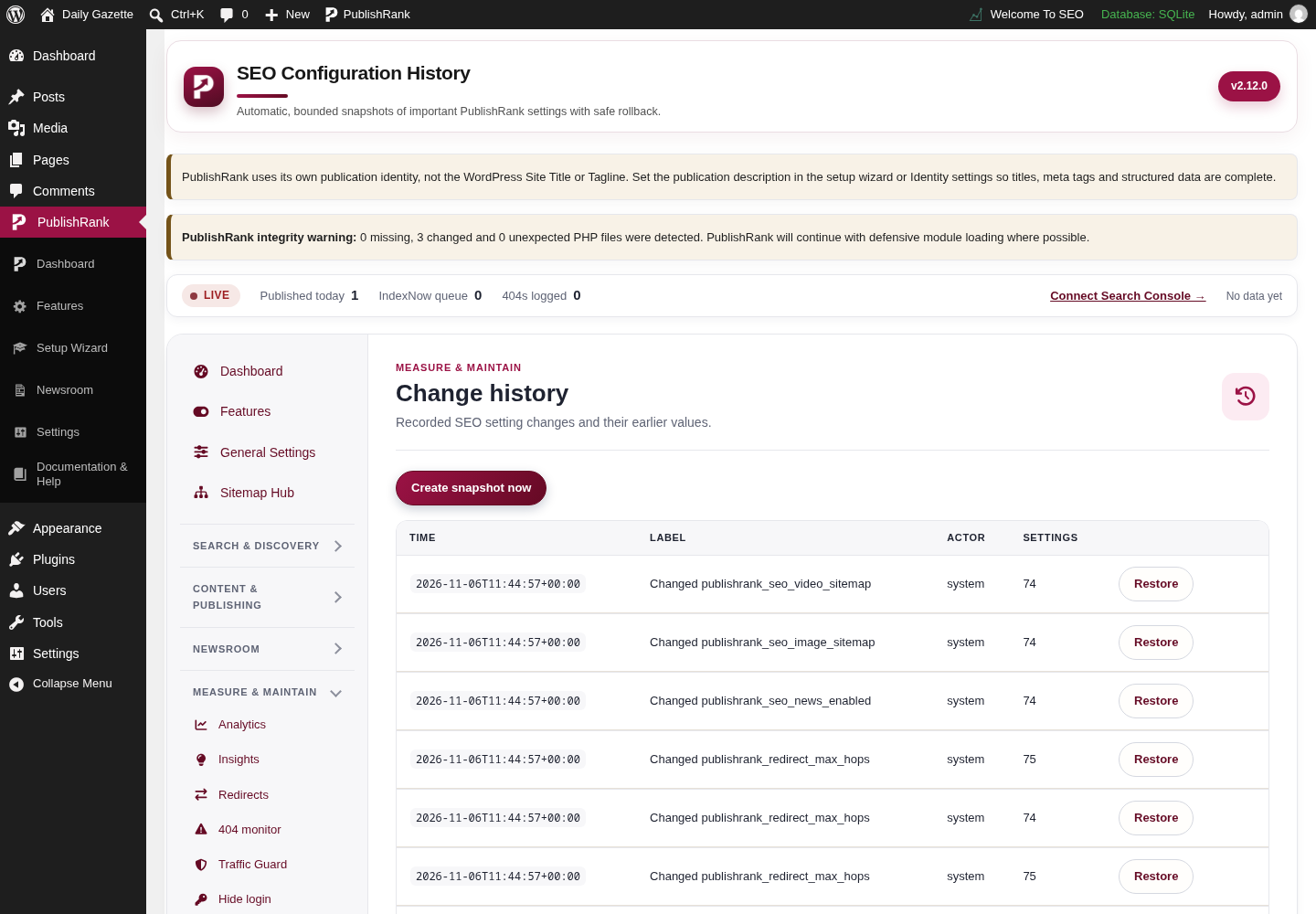
PublishRank Configuration history screen in the WordPress admin, captured on a local test site with demo content.

Configuration history

Actual Configuration history screen from the PublishRank WordPress admin.
NewsroomThe editorial workspace, planning board, calendar, activity, notifications, and role settings.7
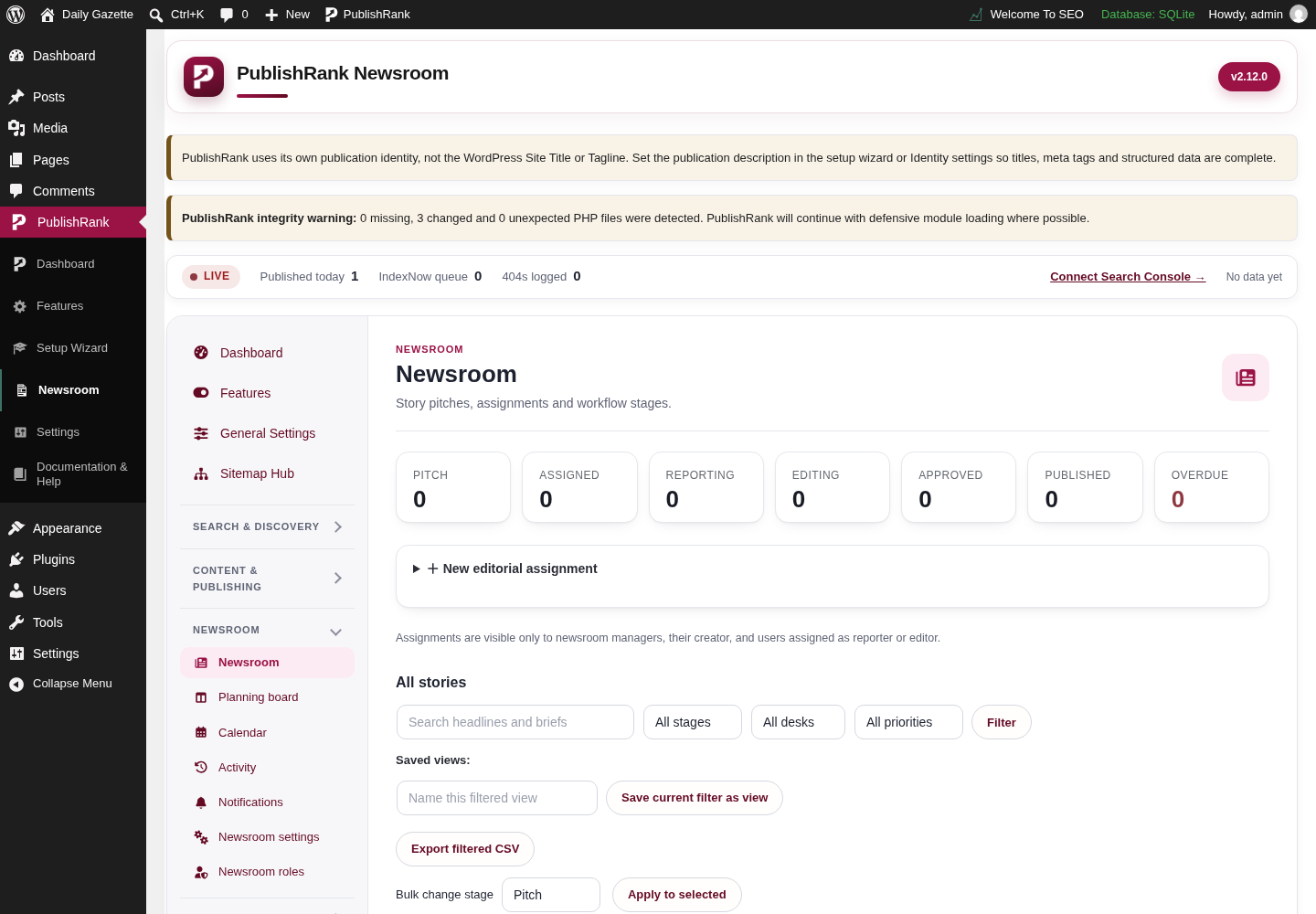
PublishRank Newsroom workspace screen in the WordPress admin, captured on a local test site with demo content.

Newsroom workspace

Actual Newsroom workspace screen from the PublishRank WordPress admin.
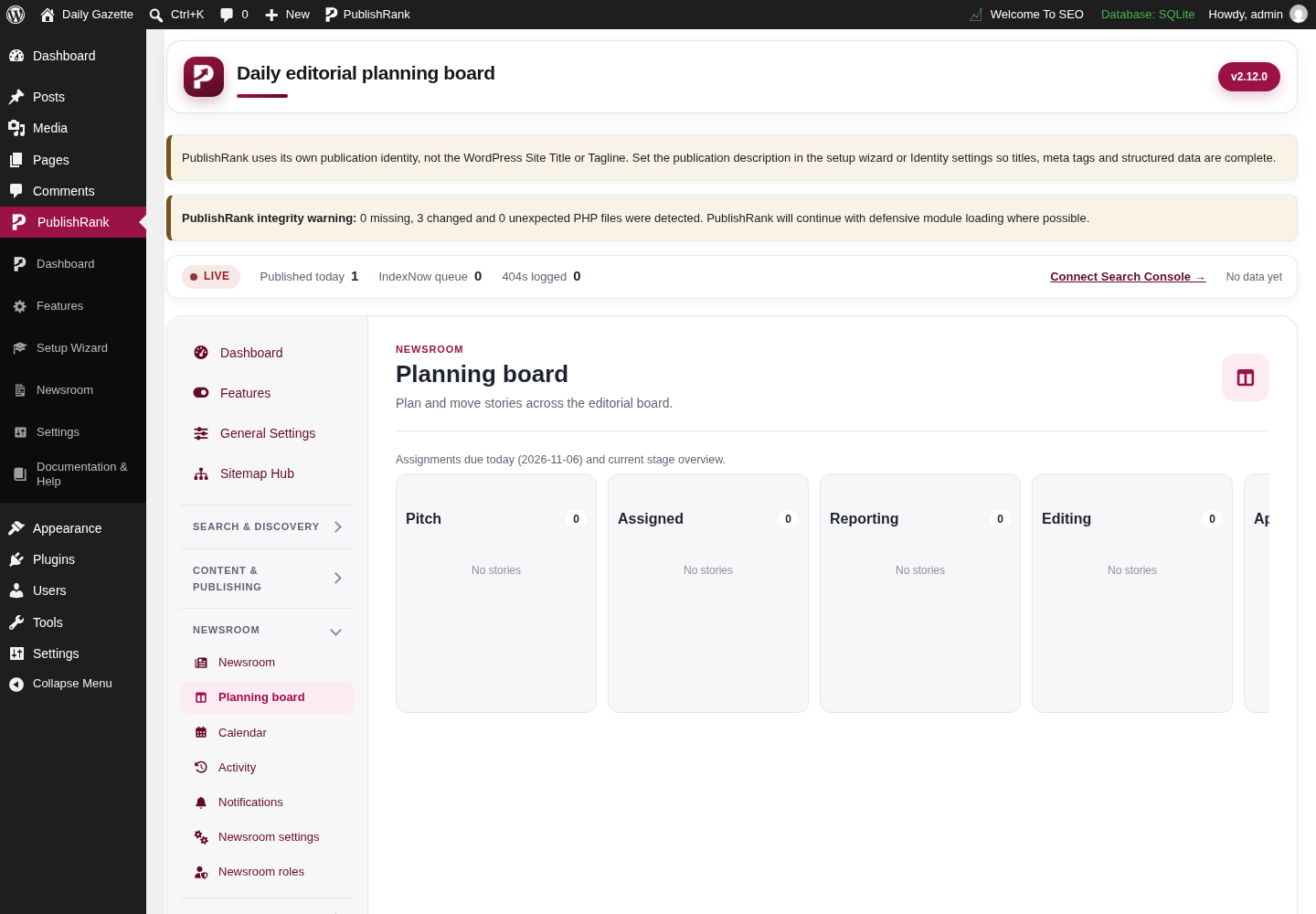
PublishRank Newsroom planning board screen in the WordPress admin, captured on a local test site with demo content.

Newsroom planning board

Actual Newsroom planning board screen from the PublishRank WordPress admin.
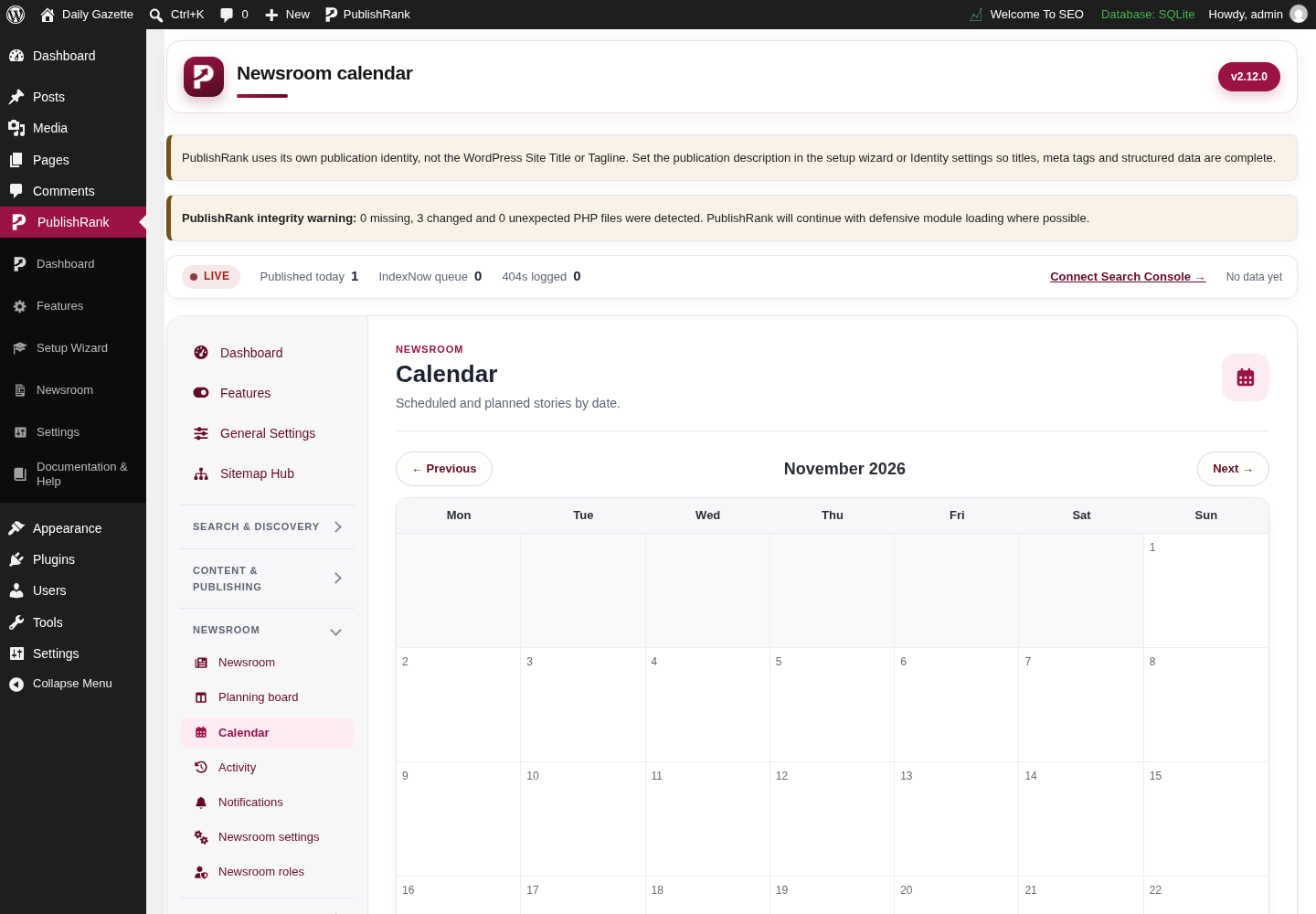
PublishRank Newsroom calendar screen in the WordPress admin, captured on a local test site with demo content.

Newsroom calendar

Actual Newsroom calendar screen from the PublishRank WordPress admin.
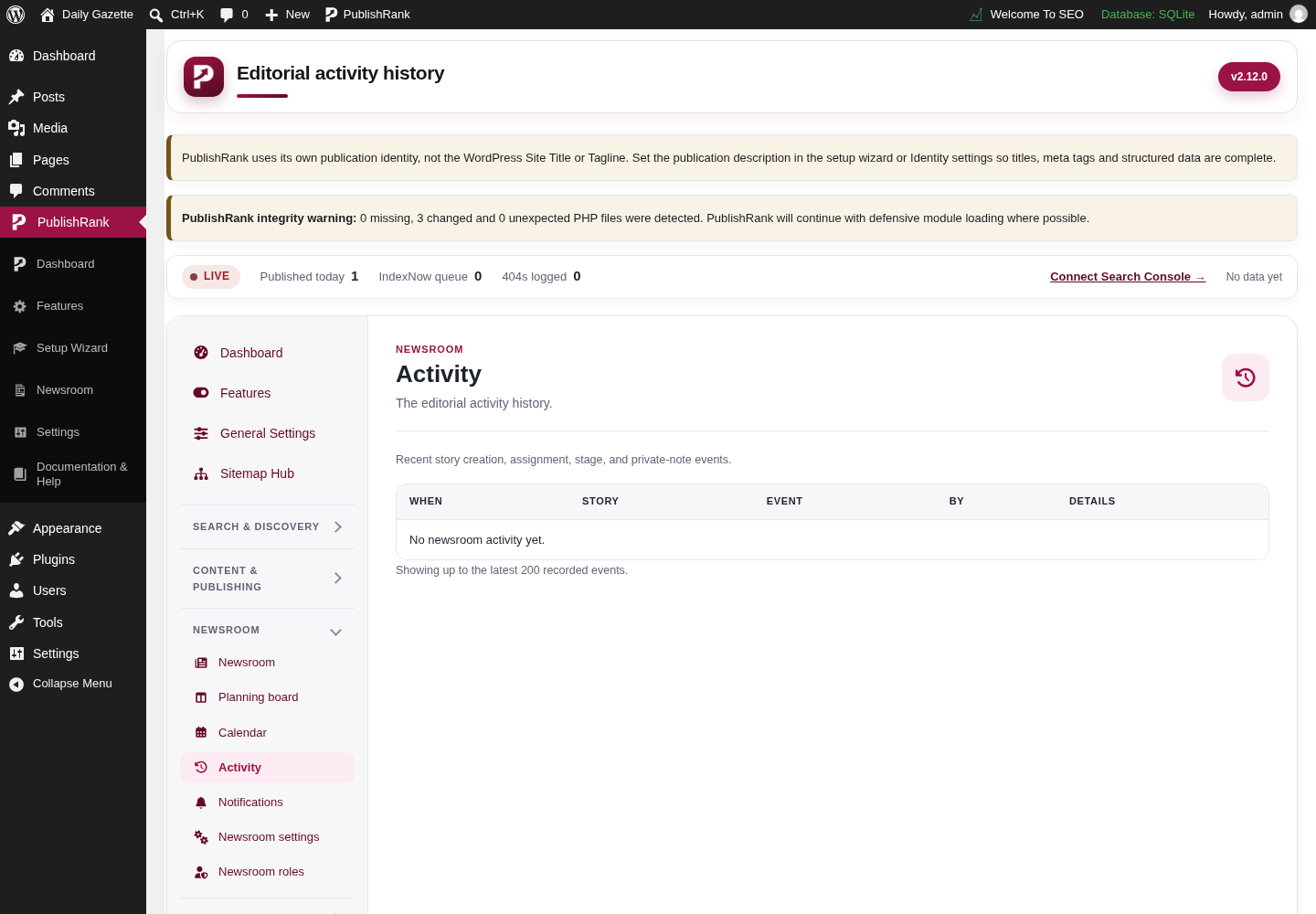
PublishRank Newsroom activity screen in the WordPress admin, captured on a local test site with demo content.

Newsroom activity

Actual Newsroom activity screen from the PublishRank WordPress admin.
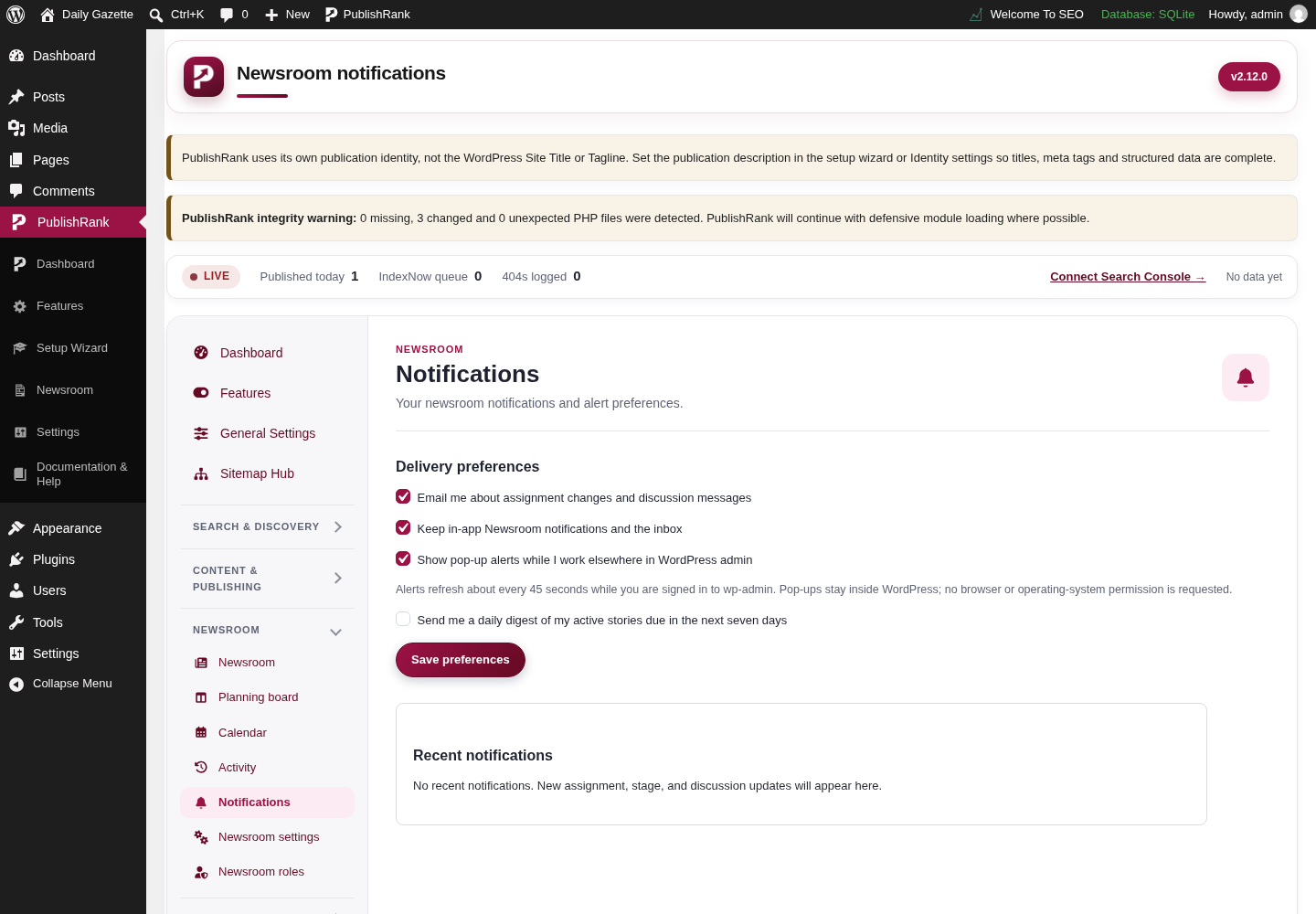
PublishRank Newsroom notifications screen in the WordPress admin, captured on a local test site with demo content.

Newsroom notifications

Actual Newsroom notifications screen from the PublishRank WordPress admin.
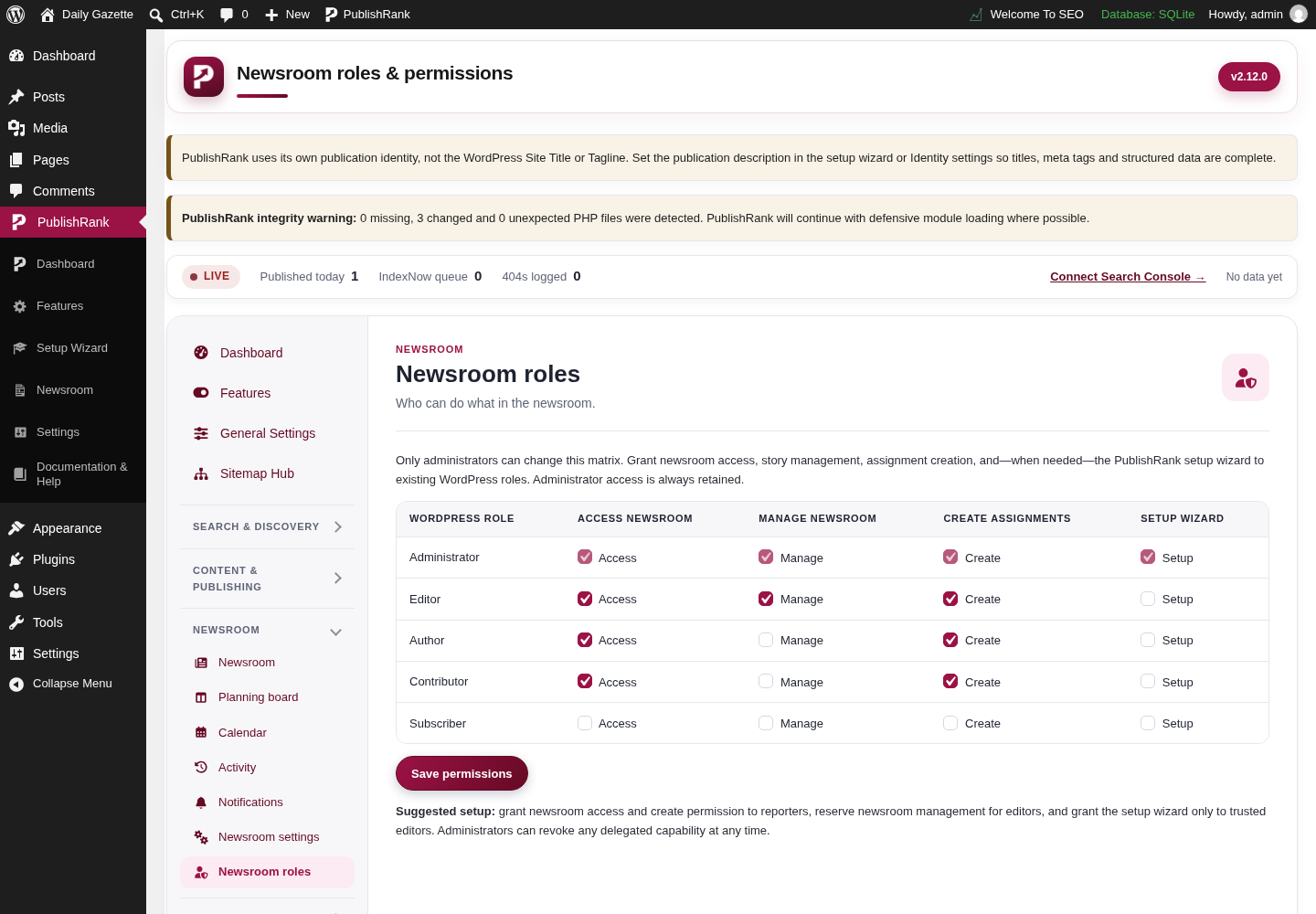
PublishRank Newsroom roles screen in the WordPress admin, captured on a local test site with demo content.

Newsroom roles

Actual Newsroom roles screen from the PublishRank WordPress admin.
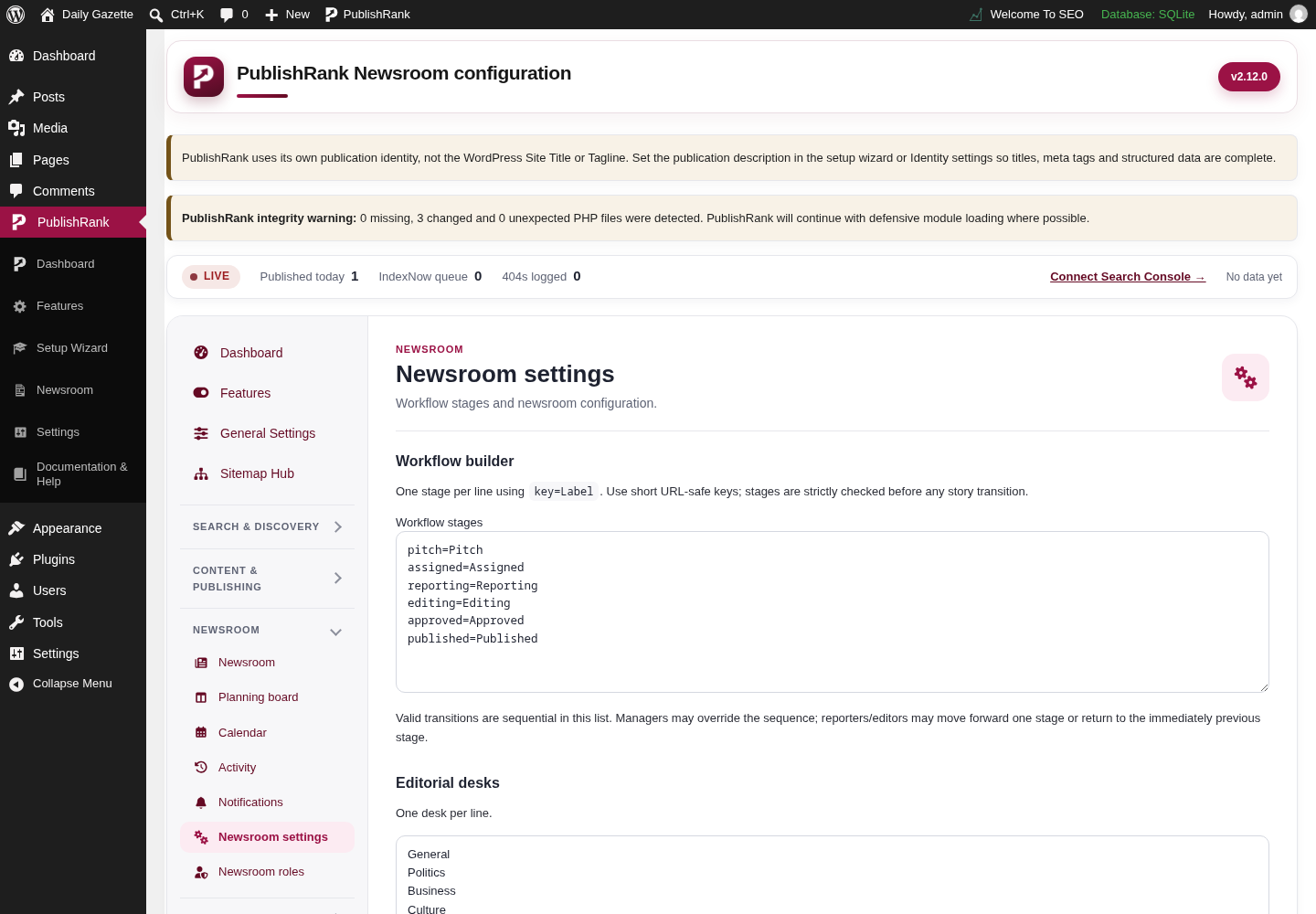
PublishRank Newsroom settings screen in the WordPress admin, captured on a local test site with demo content.

Newsroom settings

Actual Newsroom settings screen from the PublishRank WordPress admin.
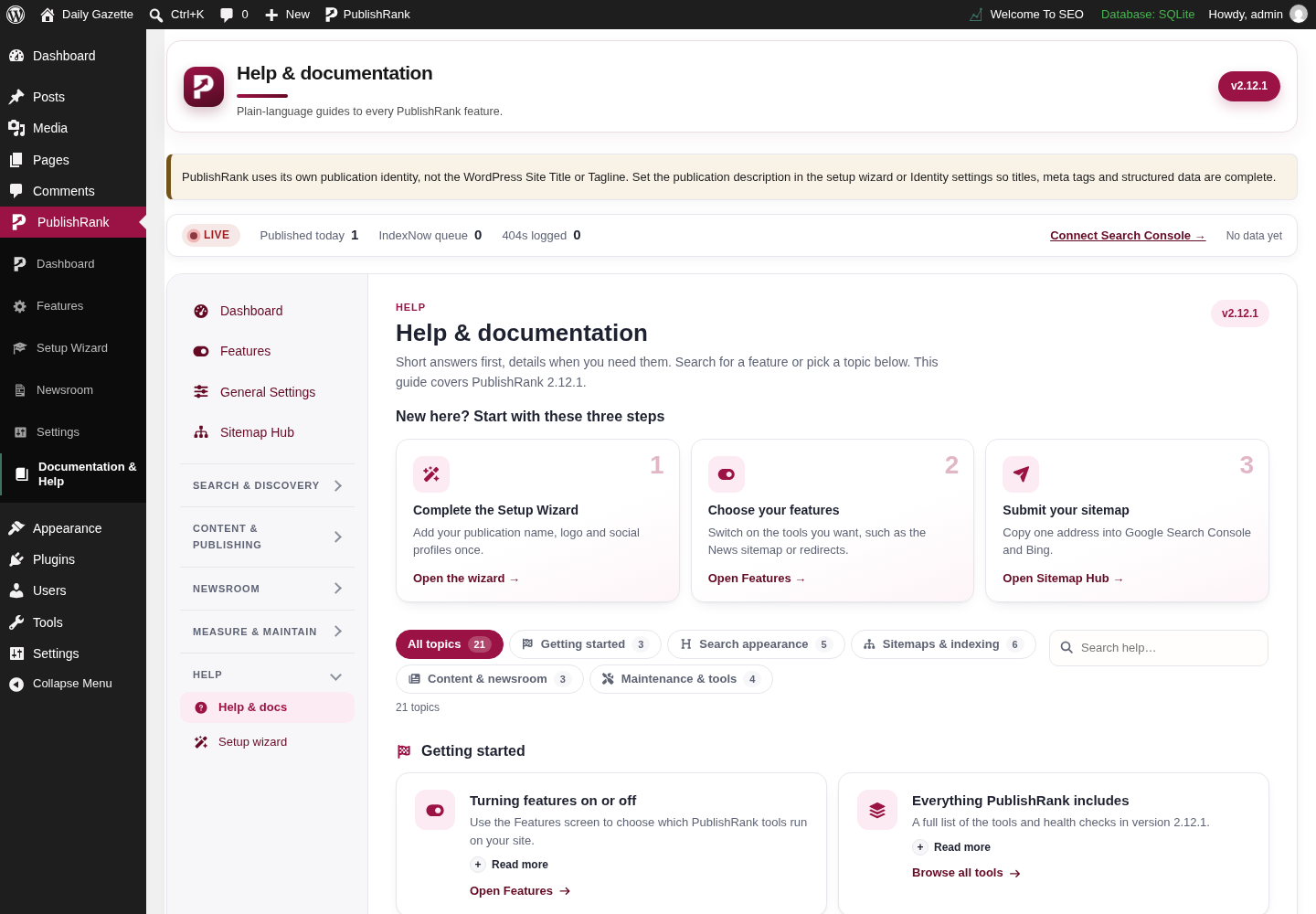
Help & supportThe in-dashboard help and documentation area.1
PublishRank Help and documentation screen in the WordPress admin, captured on a local test site with demo content.

Help and documentation

Actual Help and documentation screen from the PublishRank WordPress admin.

49 screenshots across 7 tool areas.

The complete feature list

222 documented capabilities across 20 areas. Search to filter.

Showing 222 of 222 features

Core SEO20

Titles, descriptions, canonicals, robots and head metadata.

  • SEO title management
  • Meta description management
  • Custom SEO titles
  • Custom meta descriptions
  • Dynamic SEO title templates
  • Dynamic meta description templates
  • SEO variable system
  • Post-specific SEO metadata
  • Global SEO configuration
  • Homepage SEO configuration
  • Search appearance optimization
  • Canonical URL generation
  • Canonical metadata output
  • Robots meta directives
  • Indexing controls
  • Crawling controls
  • Technical SEO settings
  • Social SEO settings
  • News SEO settings
  • HTML head metadata generation

SEO Titles and Metadata10

Variables, overrides and a consistent separator.

  • Dynamic metadata variables
  • Post-specific variable resolution
  • Global variable resolution
  • Automatic metadata generation
  • Custom metadata overrides
  • Configurable title separator
  • Setup Wizard title separator setting
  • Dashboard title separator setting
  • Publication identity integration
  • Consistent SEO metadata output

Social SEO10

Open Graph and Twitter/X metadata tied to your identity.

  • Open Graph metadata
  • Social sharing titles
  • Social sharing descriptions
  • Social sharing URLs
  • Twitter/X metadata
  • Twitter/X titles
  • Twitter/X descriptions
  • Social metadata configuration
  • Social metadata integration with SEO titles
  • Social metadata integration with publication identity

Structured Data and Schema10

Connected JSON-LD for your publication, site and stories.

  • Structured data generation
  • Article schema functionality
  • Organization schema functionality
  • Website schema functionality
  • Publication identity in schema
  • Breadcrumb schema
  • Schema output controls
  • Schema endpoint
  • Structured data configuration
  • Schema discovery infrastructure

XML Sitemaps15

Separate, scalable sitemaps for every content type.

  • XML sitemap index
  • Post sitemaps
  • Page sitemaps
  • Taxonomy sitemaps
  • Author sitemaps
  • News sitemaps
  • Sitemap index linking
  • XML sitemap output
  • Sitemap stylesheet support
  • Raw XML output
  • Dedicated sitemap endpoints
  • Separate sitemaps by content type
  • News-specific sitemap functionality
  • Large-sitemap architecture
  • Sitemap sharding considerations

News SEO and Publishing10

Tools shaped around online newspapers and newsrooms.

  • News SEO functionality
  • News sitemap generation
  • Article-oriented optimization
  • Publisher-focused metadata
  • Publication identity configuration
  • News-related structured data
  • News SEO output
  • Publisher-oriented SEO workflow
  • Online newspaper SEO tools
  • News publishing optimization

Website Identity10

One publication identity across SEO, social, schema and breadcrumbs.

  • Publication name configuration
  • Publication description configuration
  • Website identity override functionality
  • Identity integration with SEO metadata
  • Identity integration with Open Graph
  • Identity integration with schema
  • Identity integration with breadcrumbs
  • Setup Wizard identity settings
  • Publication identity consistency
  • Theme identity override controls

Dashboard and Configuration21

A centralized admin with sensible defaults and safe resets.

  • PublishRank administration interface
  • SEO settings dashboard
  • Centralized SEO configuration
  • Setup Wizard
  • Dashboard navigation
  • Technical SEO settings
  • Social SEO settings
  • News SEO settings
  • Breadcrumb settings
  • Title separator settings
  • Publication identity settings
  • Schema settings
  • Sitemap settings
  • Configuration defaults
  • Settings persistence
  • Settings reset functionality
  • Default-value handling
  • Settings migration considerations
  • Dashboard interface controls
  • Configuration notices
  • SEO tool management

Google Preferred Sources19

Let readers add your publication as a preferred source on Google.

  • Preferred Sources configuration
  • Preferred Sources URL configuration
  • Dynamic Preferred Sources URL handling
  • Official Google JavaScript integration
  • Google button implementation
  • Custom link or button option
  • Shortcode support
  • Dashboard settings
  • Custom HTML editor
  • Copy functionality
  • Preview functionality
  • Reset functionality
  • URL validation
  • Input sanitization
  • Installation instructions
  • Responsive presentation
  • Frontend diagnostics
  • Default settings management
  • Shortcode usage guidance

AI Crawler Discovery7

llms.txt and discovery links for AI crawlers.

  • llms.txt support
  • llms.txt discovery links
  • llms.txt HTML head references
  • llms.txt identification metadata
  • describedby resource relationship
  • AI-crawler discovery infrastructure
  • Schema endpoint discovery

Search Engine Tools8

Verification, indexing and sitemap discovery support.

  • Search Console-related functionality
  • Indexing-related tools
  • Google-oriented SEO infrastructure
  • Verification-related functionality
  • Sitemap discovery support
  • Search engine indexing configuration
  • Robots directives
  • Crawl-related controls

Robots and Crawl Optimization6

Crawl directives coordinated with your SEO metadata.

  • Robots configuration
  • Crawl optimization controls
  • Search engine crawler directives
  • Technical crawl controls
  • Robots output management
  • Crawl directive coordination with SEO metadata

Redirects3

Redirect management infrastructure for a healthy archive.

  • Redirect-related functionality
  • Redirect management infrastructure
  • Redirect configuration

Author and Taxonomy SEO6

Authors and taxonomies treated as first-class SEO surfaces.

  • Author sitemap support
  • Taxonomy sitemap support
  • Author-related SEO output
  • Taxonomy-related SEO output
  • Author URL handling
  • WordPress taxonomy integration

Login Customization4

Built-in WP Hide Login functionality.

  • WordPress login customization
  • WP Hide Login-related functionality
  • Login URL customization
  • Login-related configuration

WordPress Integration12

Native plugin architecture with theme-safe output.

  • WordPress plugin architecture
  • WordPress dashboard integration
  • Frontend metadata output
  • WordPress content integration
  • Content-specific SEO configuration
  • Theme compatibility controls
  • Duplicate-output prevention considerations
  • Theme breadcrumb conflict handling
  • Settings migration
  • Default settings for new installations
  • Upgrade-related settings behavior
  • SEO output consistency

Security and Validation8

Sanitized input, validated URLs and escaped output.

  • URL validation
  • Input validation
  • Settings sanitization
  • Frontend output escaping
  • Dashboard configuration security
  • Custom HTML validation
  • Shortcode output validation
  • Secure configuration handling

Frontend SEO Output12

Everything the plugin emits on your public pages.

  • HTML head metadata
  • Canonical metadata
  • Social metadata output
  • Structured data output
  • Visible breadcrumbs
  • Breadcrumb schema output
  • Sitemap endpoint output
  • News sitemap output
  • llms.txt discovery metadata
  • Publication identity consistency
  • Title separator consistency
  • SEO output categorization

Diagnostics and Maintenance12

Built-in checks and a tested release process.

  • Preferred Sources diagnostics
  • Breadcrumb diagnostics
  • Configuration validation
  • Settings reset testing
  • Default-value testing
  • Frontend output checks
  • PHP syntax validation
  • JavaScript syntax validation
  • ZIP package integrity checks
  • Regression testing considerations
  • WordPress compatibility testing
  • Integration testing considerations

A stronger publishing workflow.

Start with the guide. Build a better foundation for every story.